Sunday, July 18, 2010

Leica S2 Video Manual from Dale Photo and Digital

I'd like to introduce Josh Lehrer, a relatively new addition to our team at Dale Photo and Digital. He is a recent graduate of RIT in commercial photography and had been working in New York City as a photo assistant, consultant and retoucher before moving to South Florida. Josh has extensive experience with all current digital systems, and holds digital tech certifications in Phase One, Leaf and Hasseblad.

Josh and I were talking a few weeks ago how there seems to be a fair amount of confusion with the instruction manual that comes with the Leica S2, as well as some misconceptions of those who haven't yet had an opportunity to actually try out the camera. So, we made a series of short videos, explaining every feature and menu option on the camera in a simple and easy-to-understand approach. This way, anyone buying, renting, or just wanting to know more about the operation of the S2 can have a clear and concise overview.


We hope that these videos prove to be helpful and informative, and will definitely be working on some more video content about the S2 in the near future. As always, comments and feedback are always welcome.

If you are interested in following our future video content, you can access the Dale Photo and Digital YouTube channel at: http://www.youtube.com/user/DalePhotoAndDigital


Labels: , , , ,

Friday, July 02, 2010

Taking the Leica Summarit-S 35mm f/2.5 ASPH and the S2 for a spin around the neighborhood

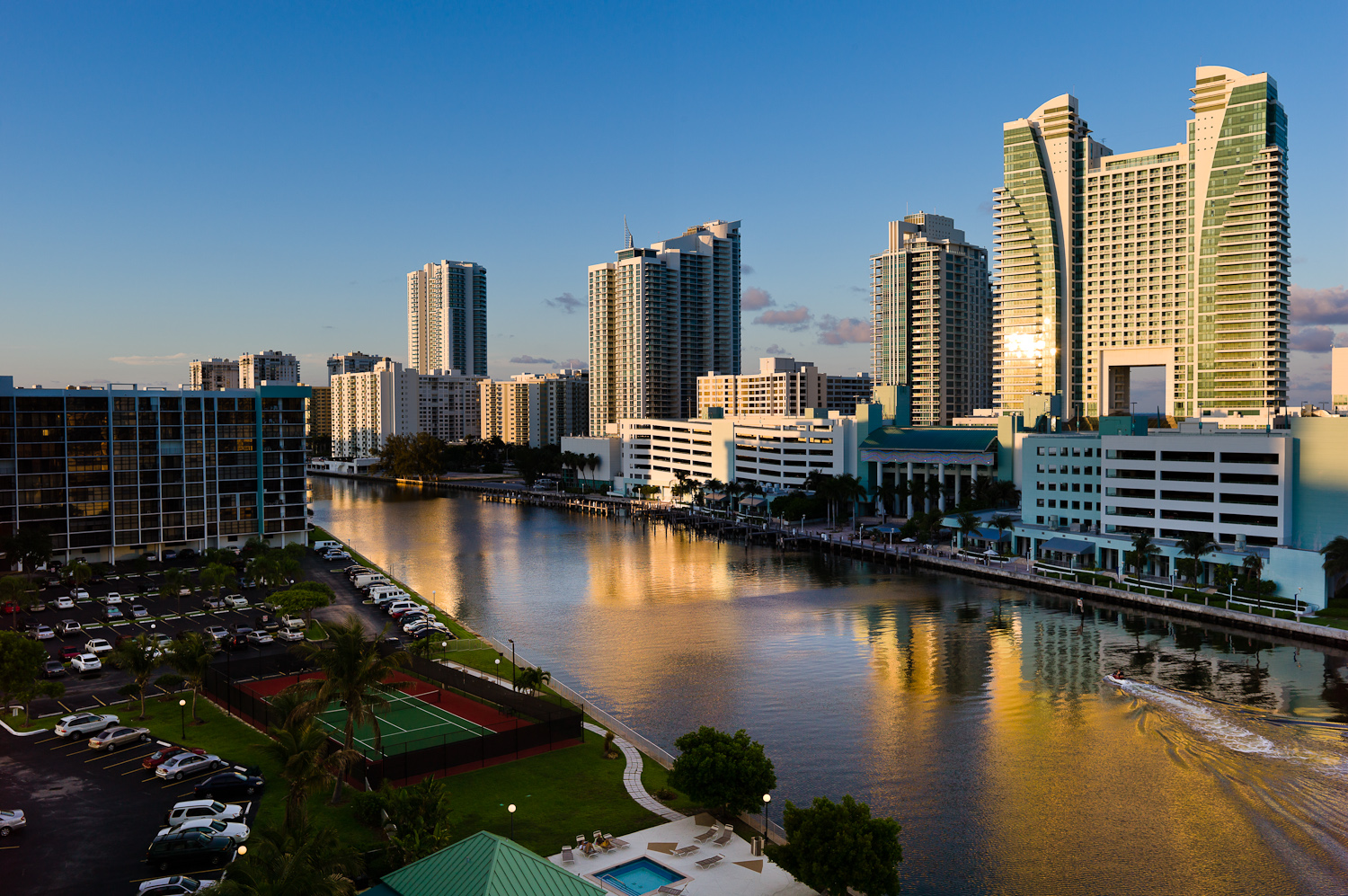
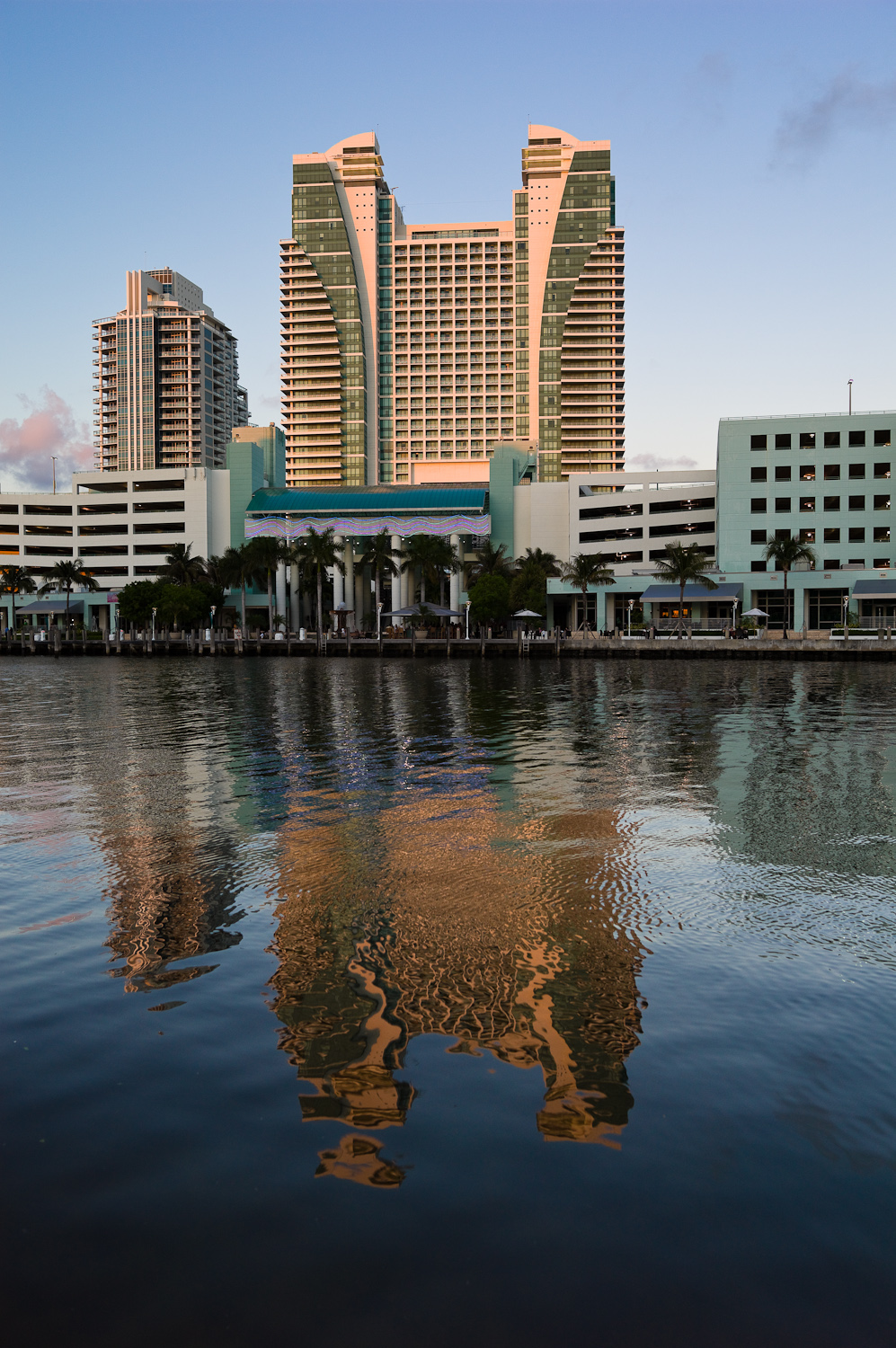
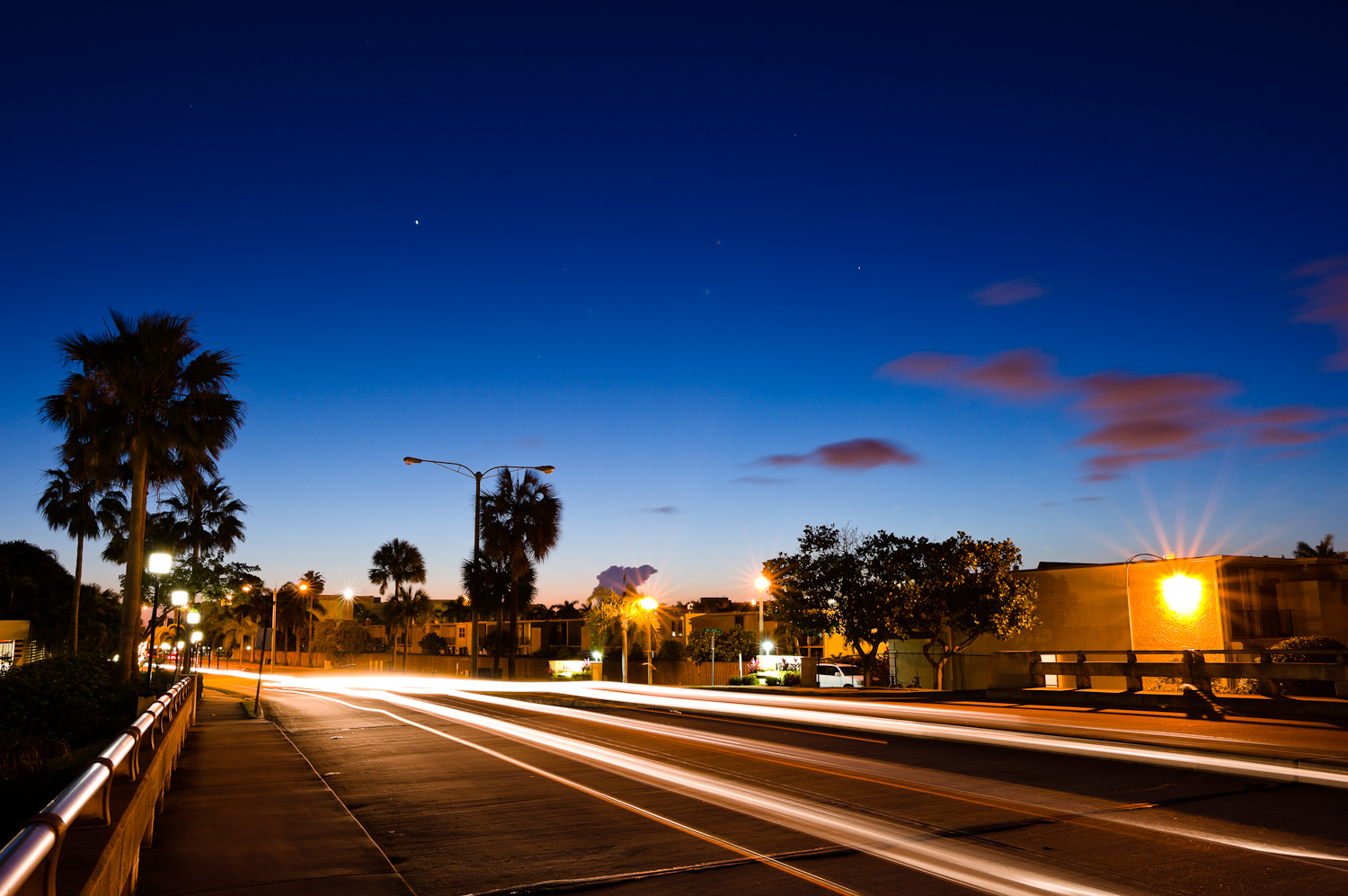
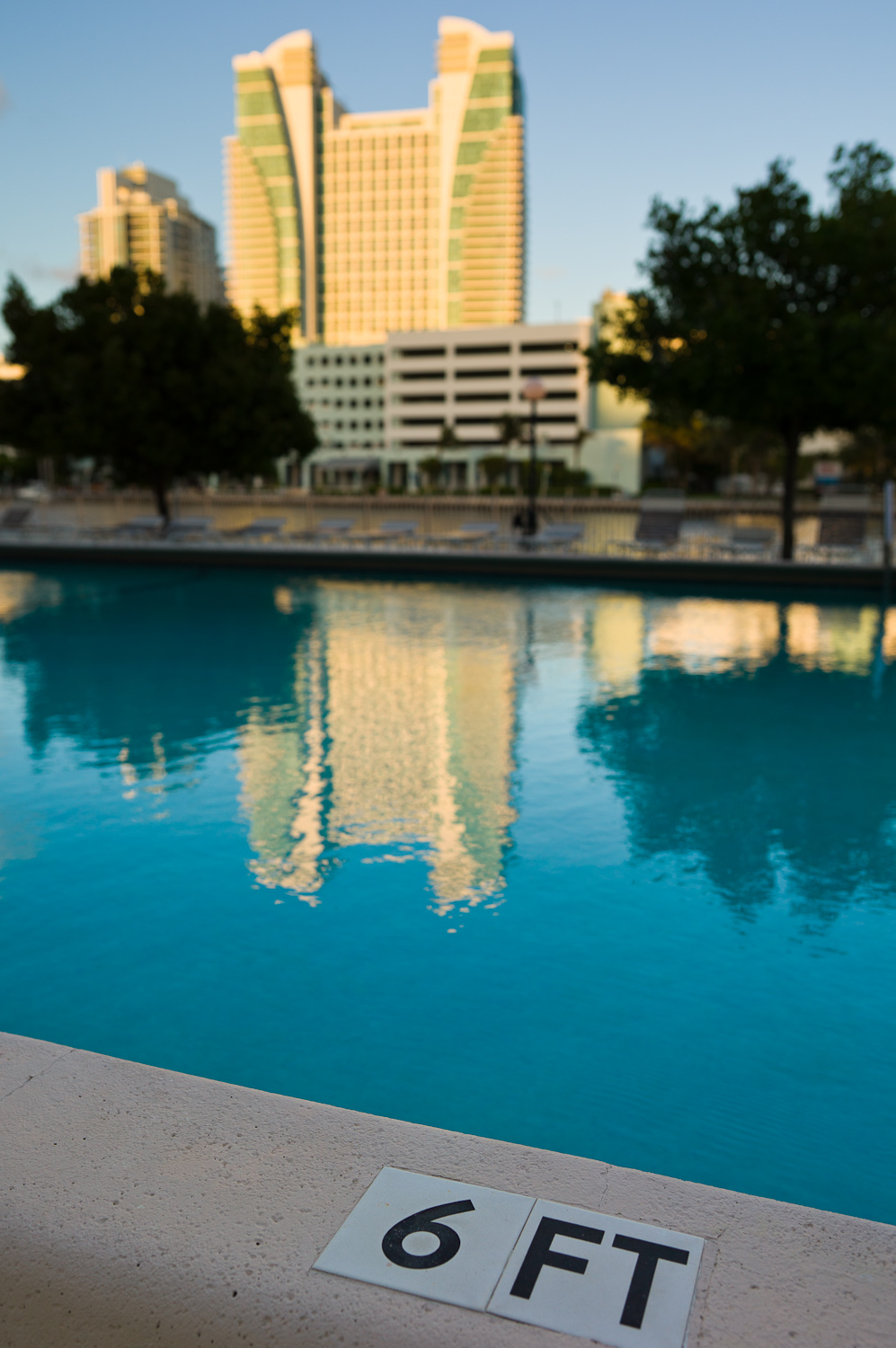
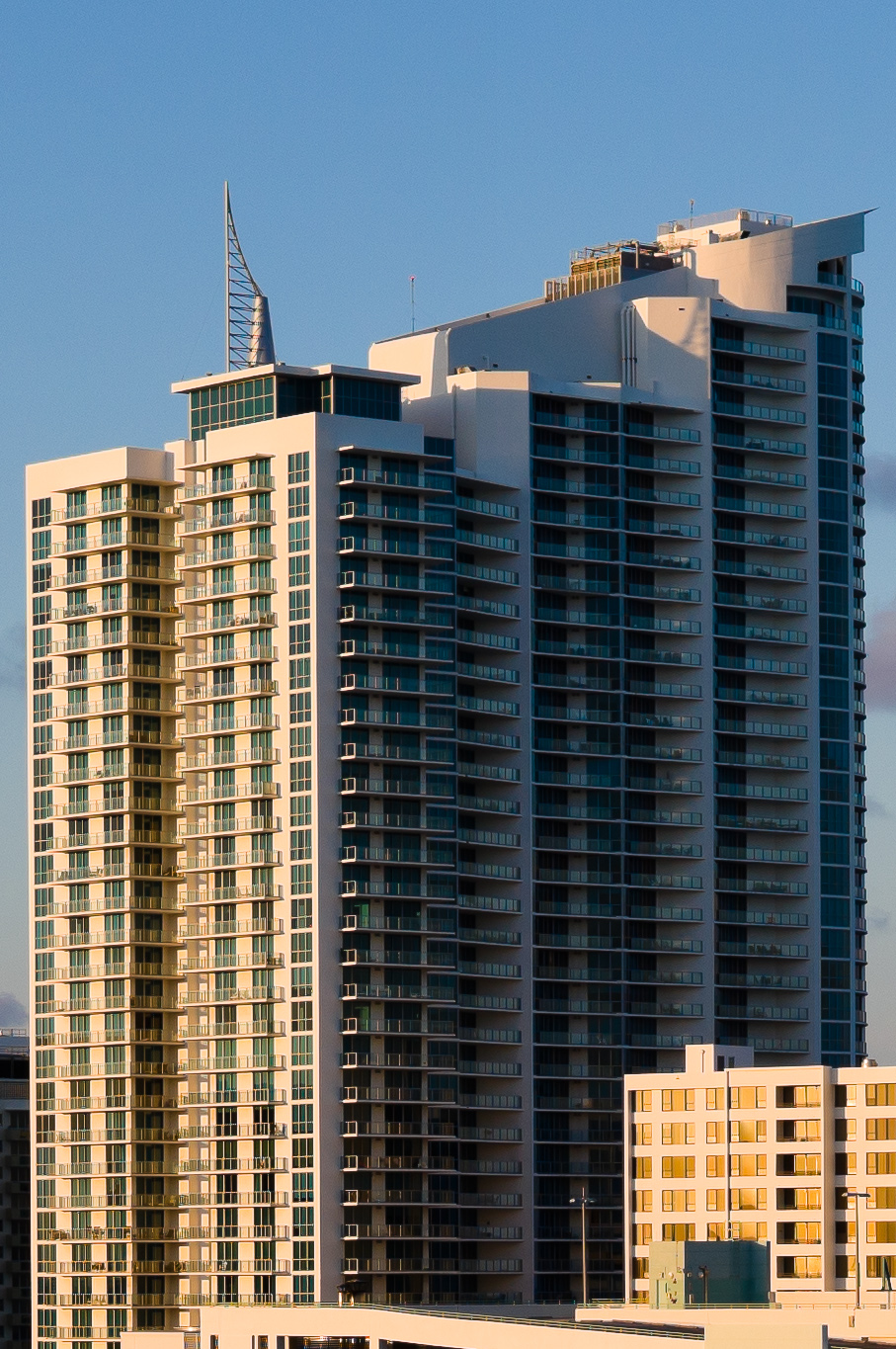
View from my balcony at sunset
Leica S2 with 35mm, 1/250th at f/5.6, ISO 160
100% Crop

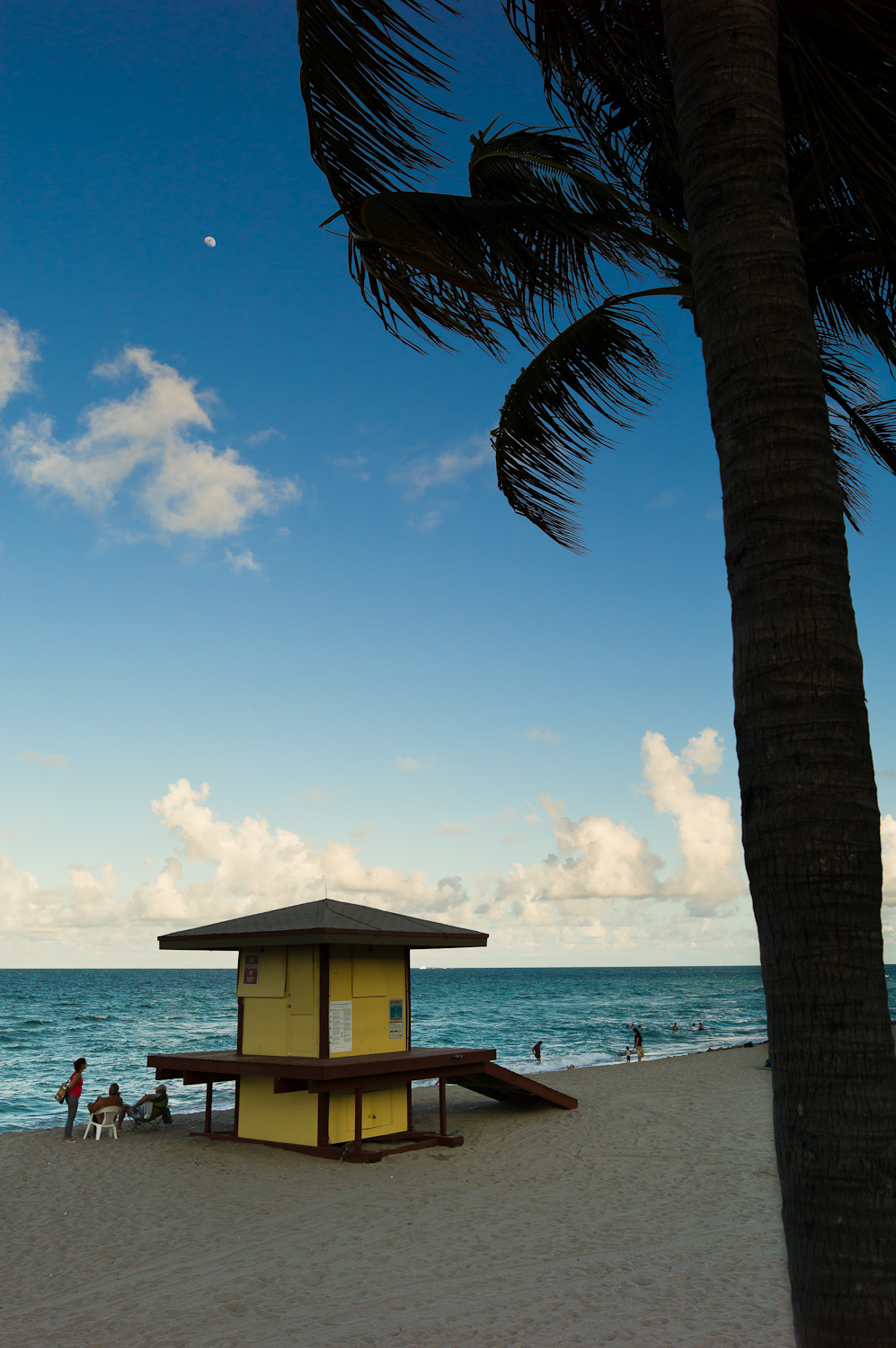
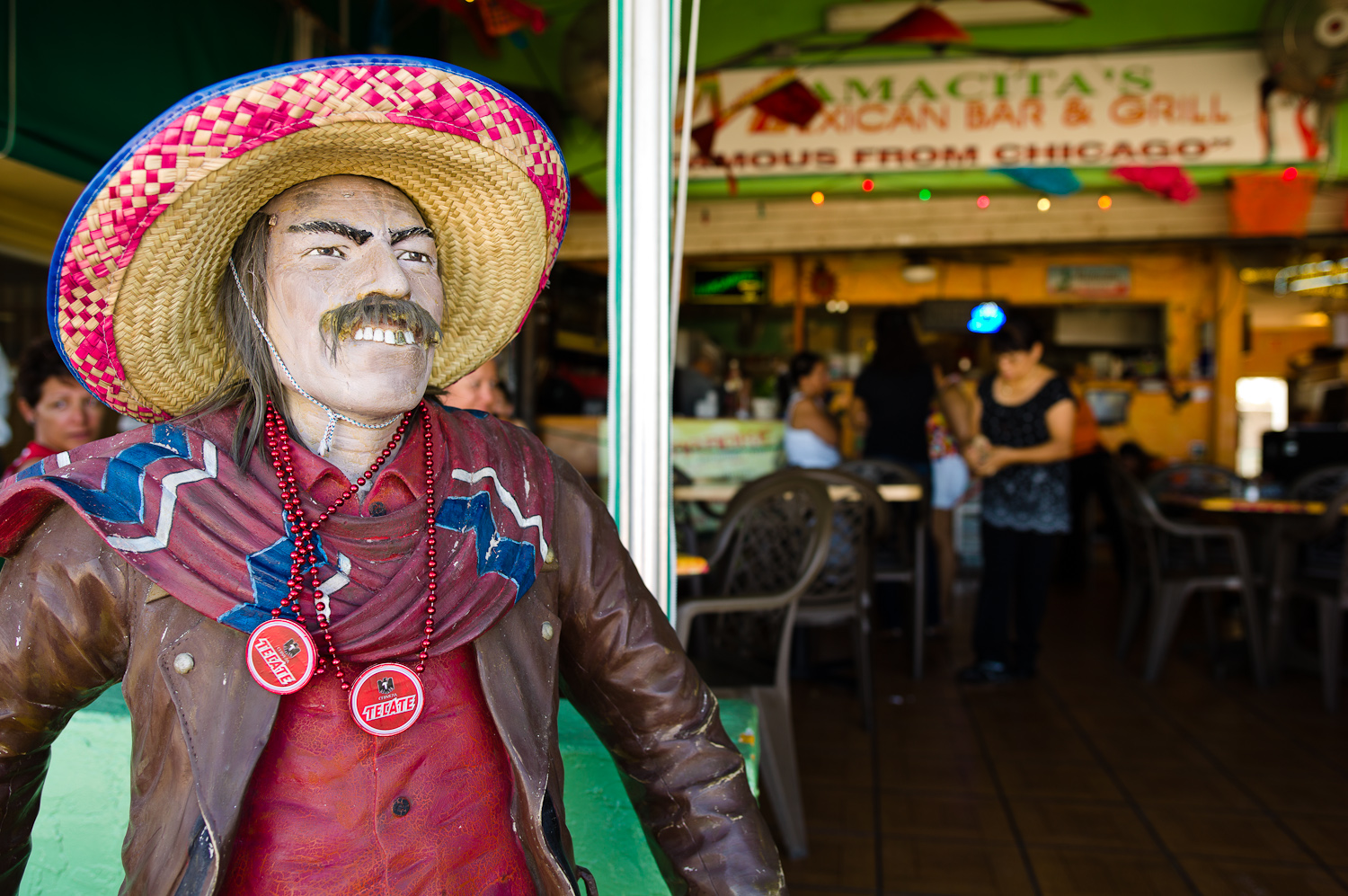
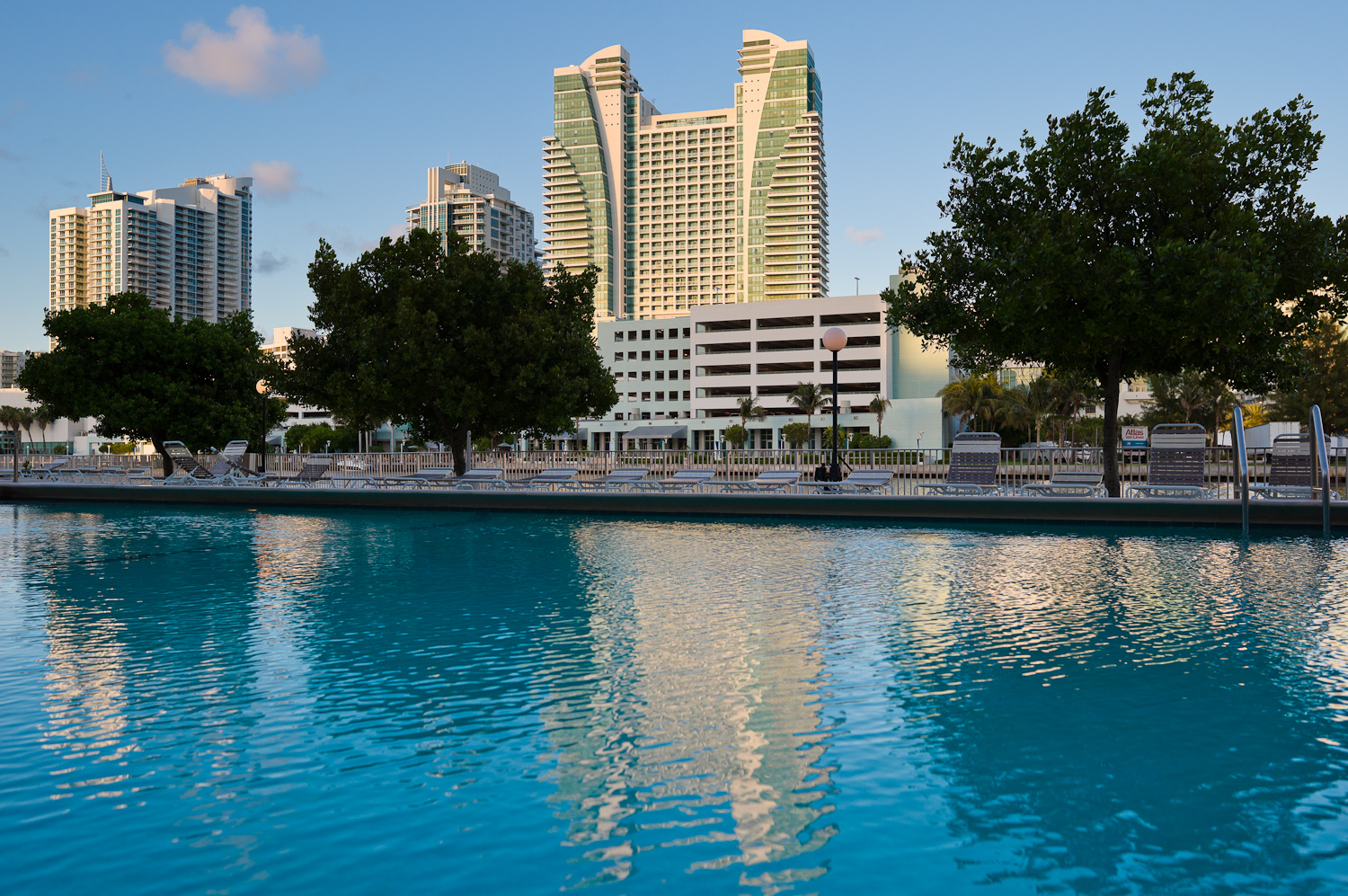
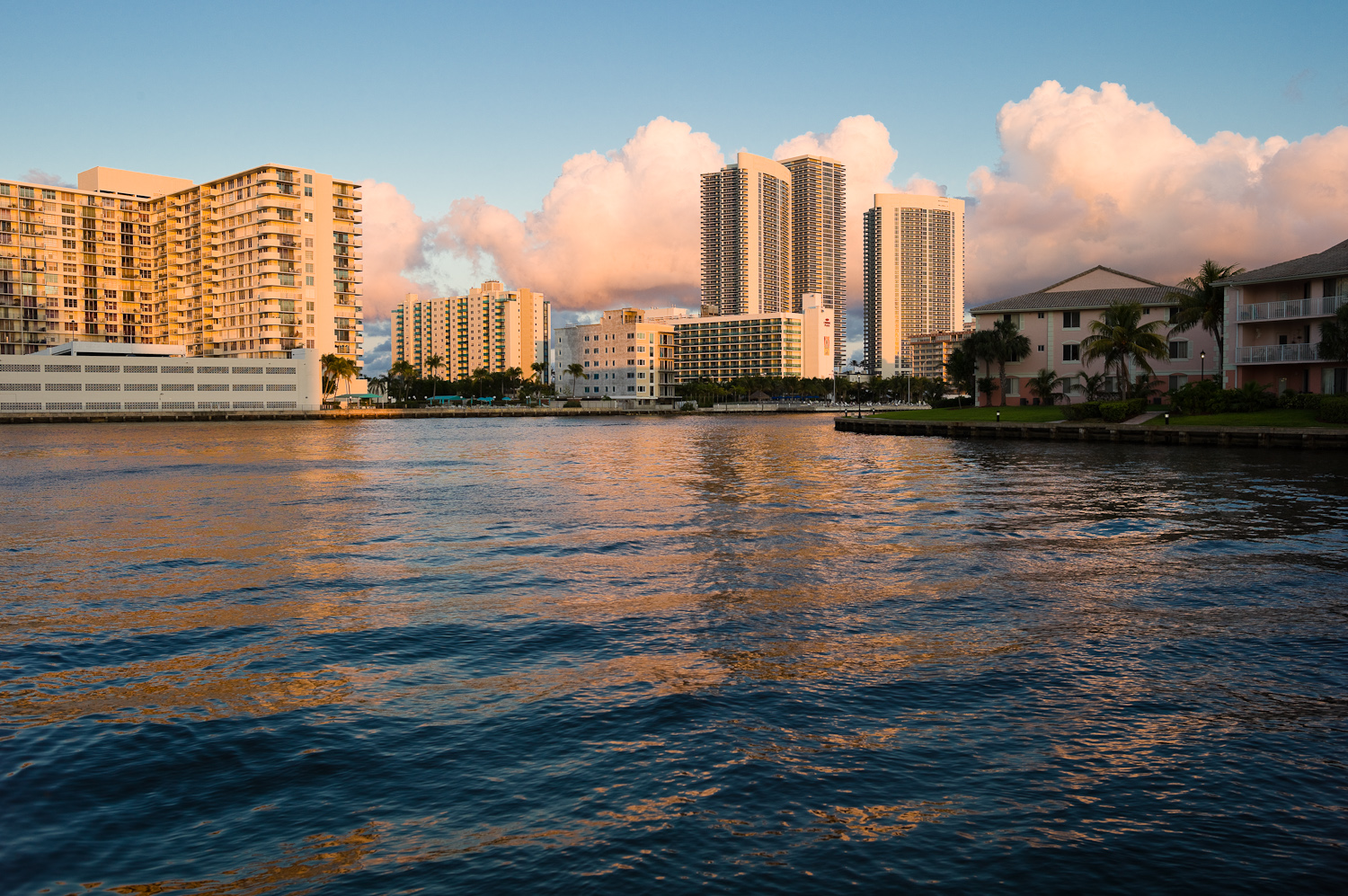
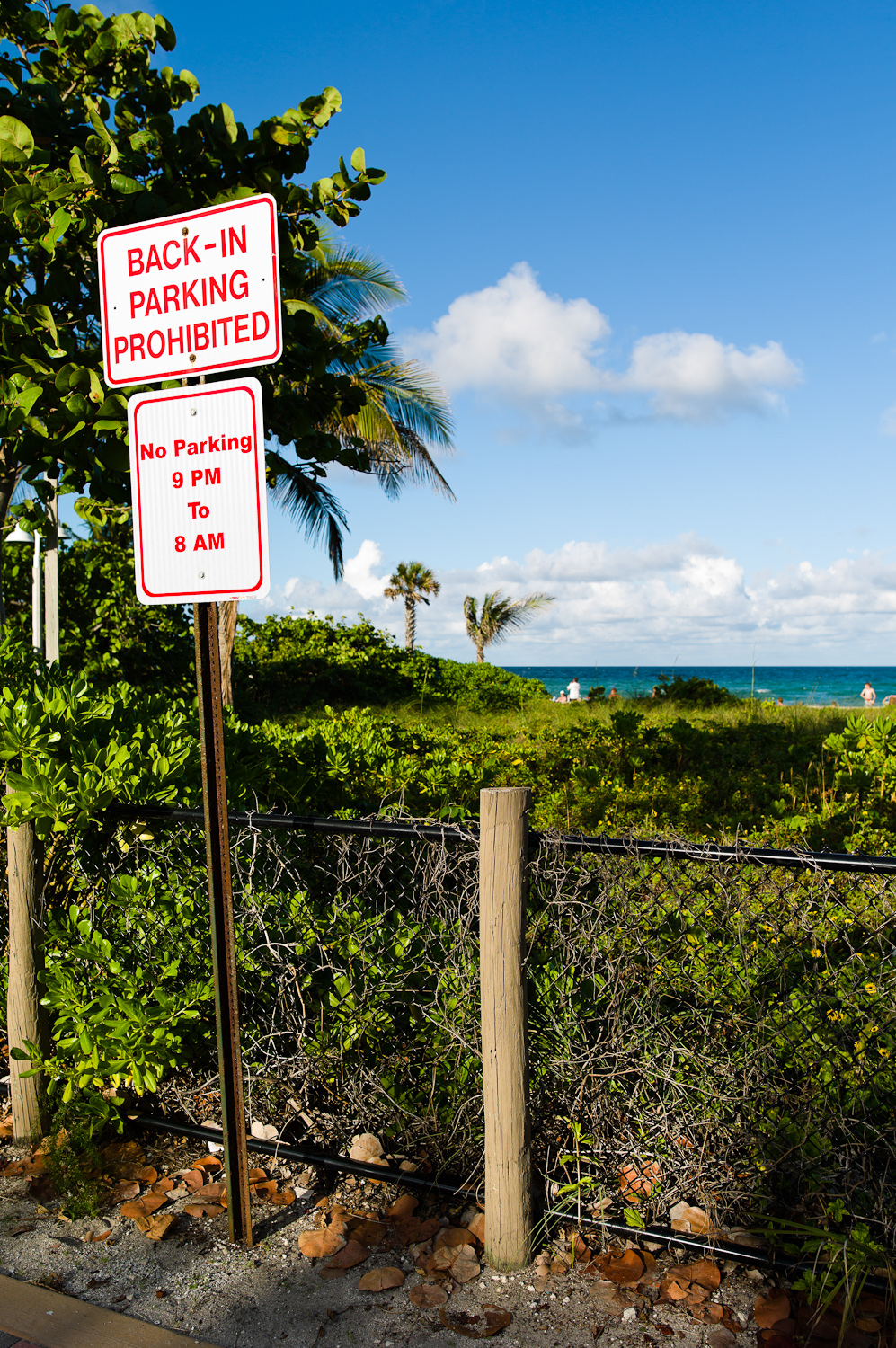
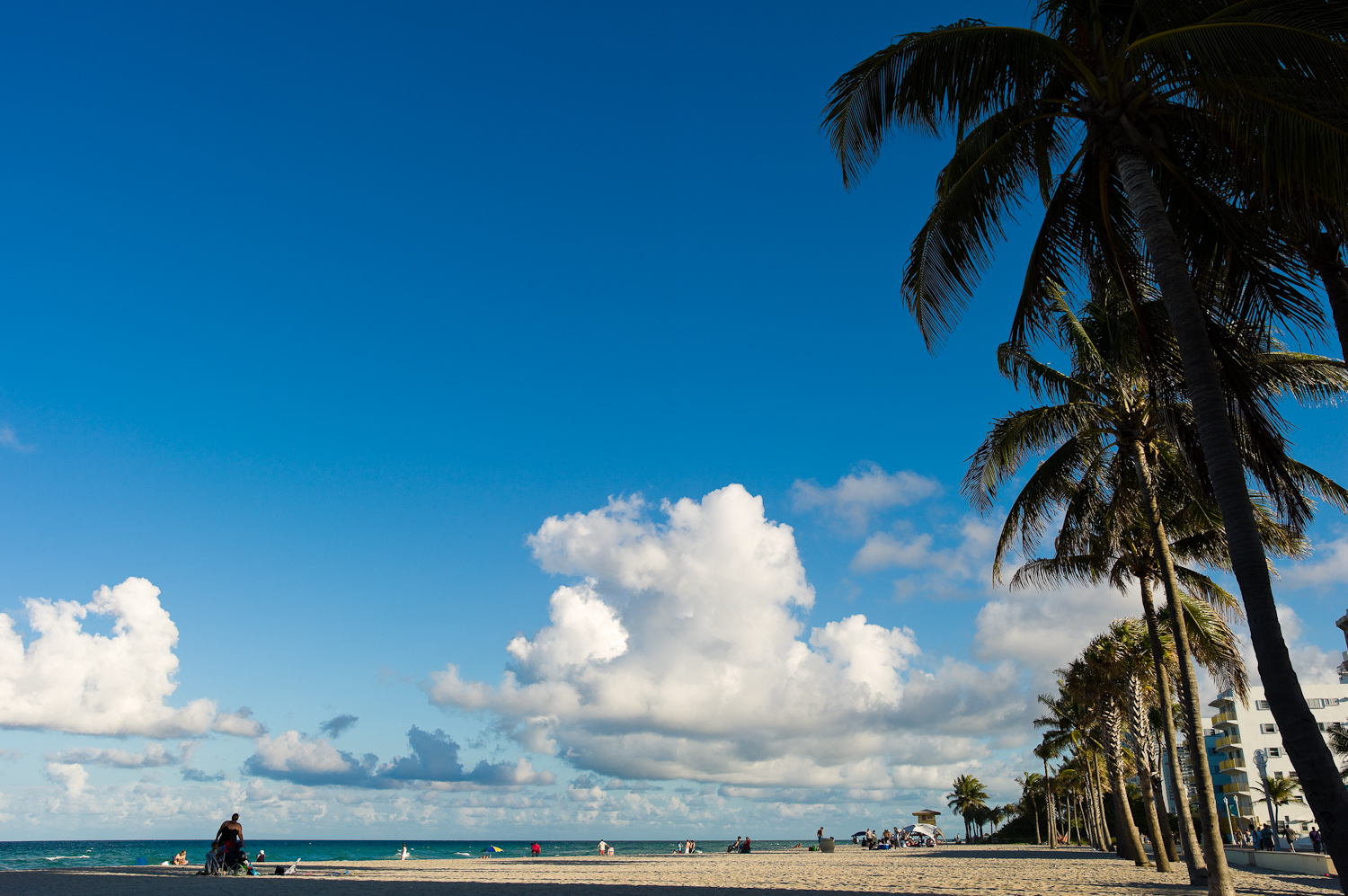
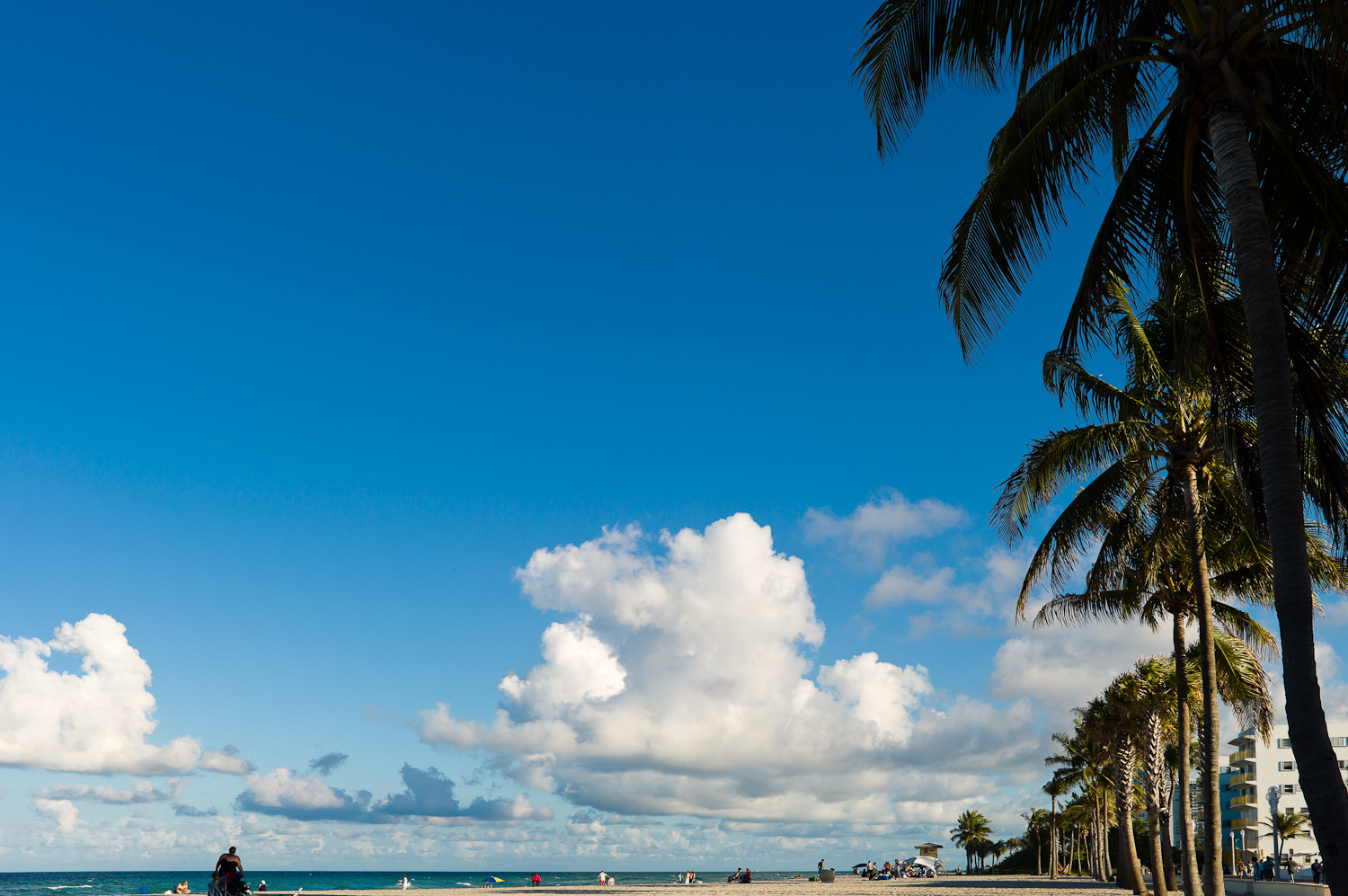
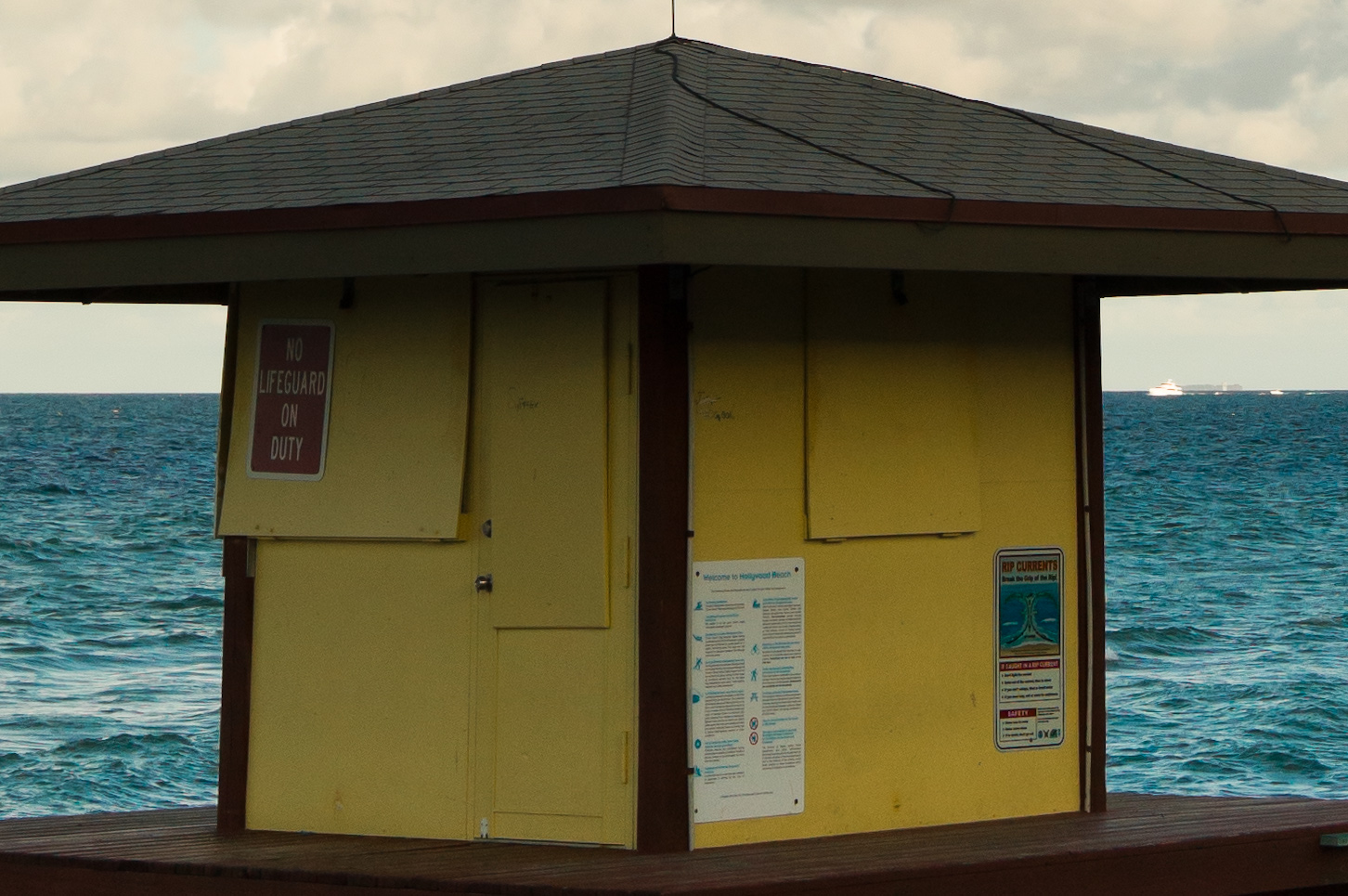
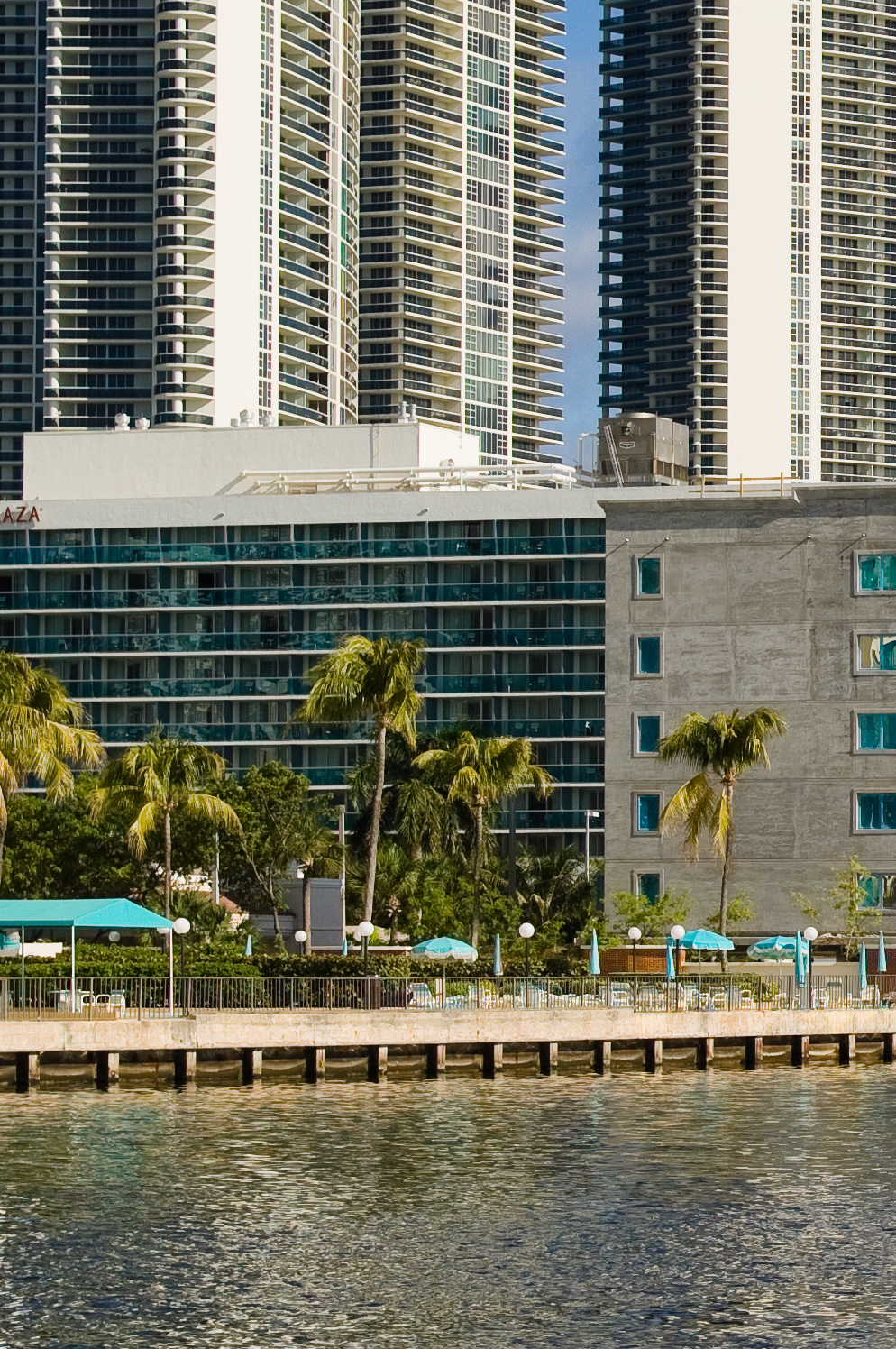
The long-awaited Leica Summarit-S 35mm f/2.5 ASPH lens is finally shipping, with the first units going to customers this week. Many have hoped this lens would be one of the best wide-angle offerings for medium format digital and I can attest that it doesn't disappoint. I had the opportunity to briefly test the 35mm for a weekend. Without the time to travel someplace "nice", I just took the S2 and 35mm for a walk around my neighborhood here in Hallandale Beach, Florida, then over to neighboring Hollywood Beach.

Leica S2 with 35mm, 1/350 at f/9.5, ISO 320
100% crop


Off-center focus-and-recompose
Leica S2 with 35mm, 1/125th at f/3.4, ISO 160


Leica S2 with 35mm, 1/180th at f/5.6, ISO 160

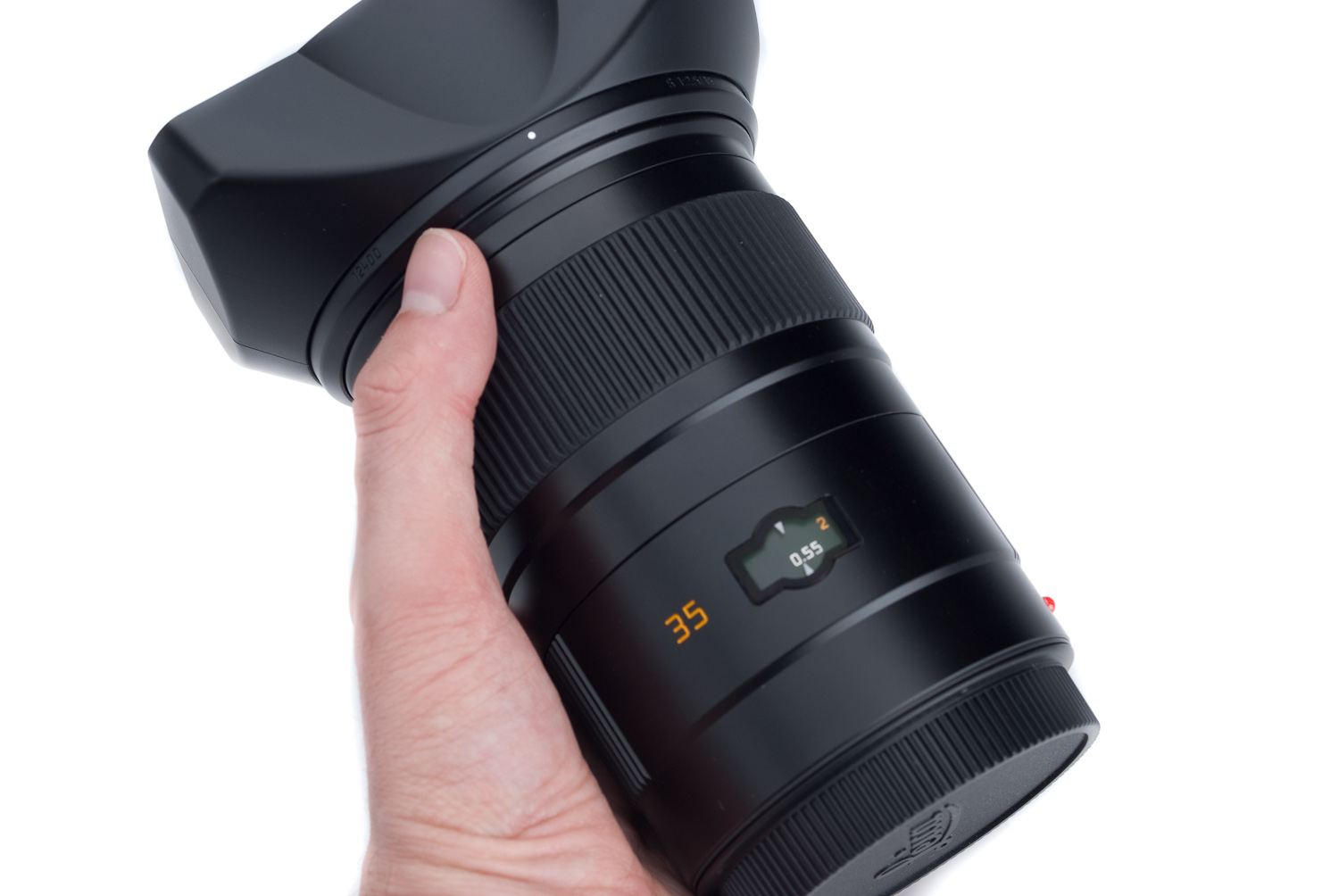
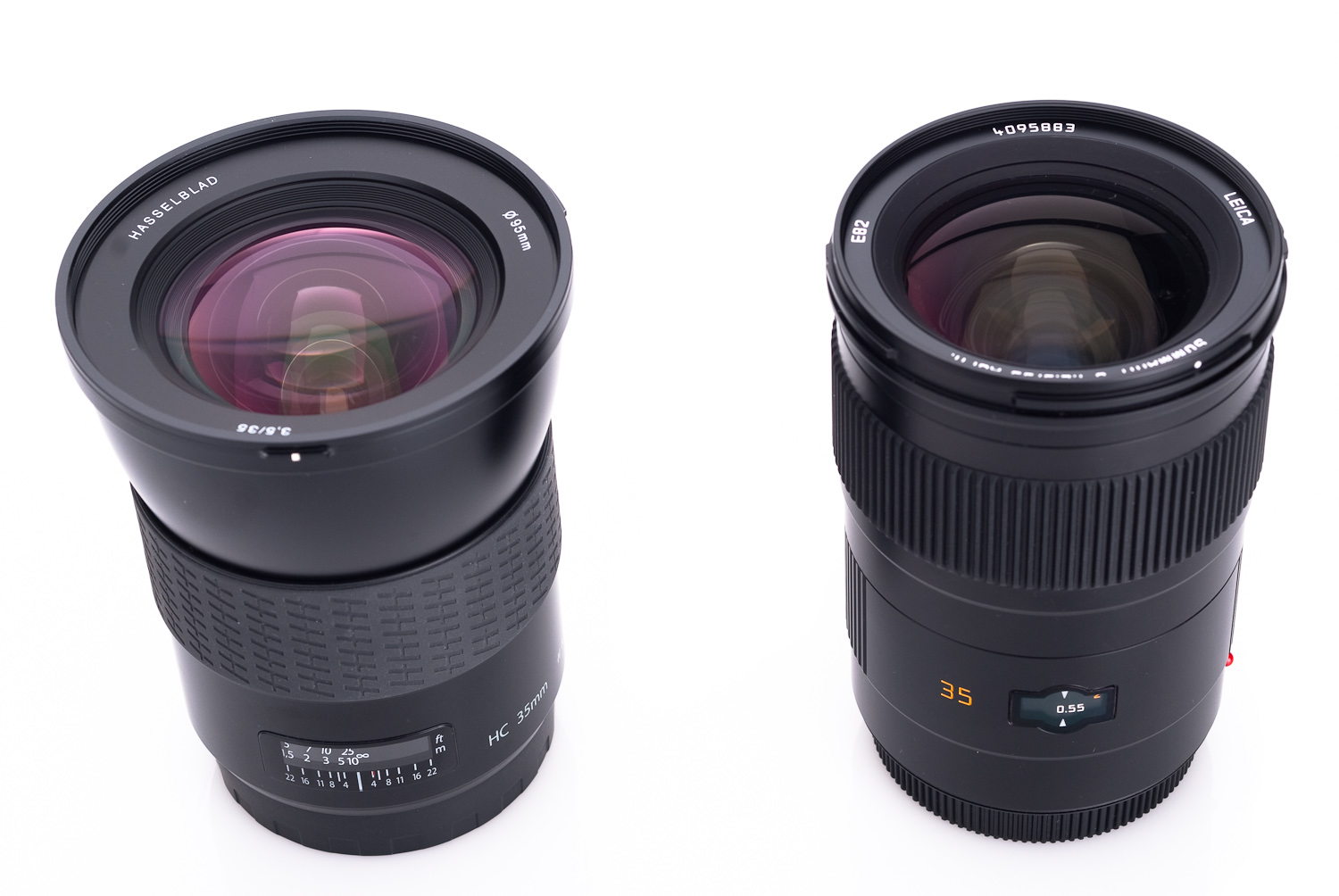
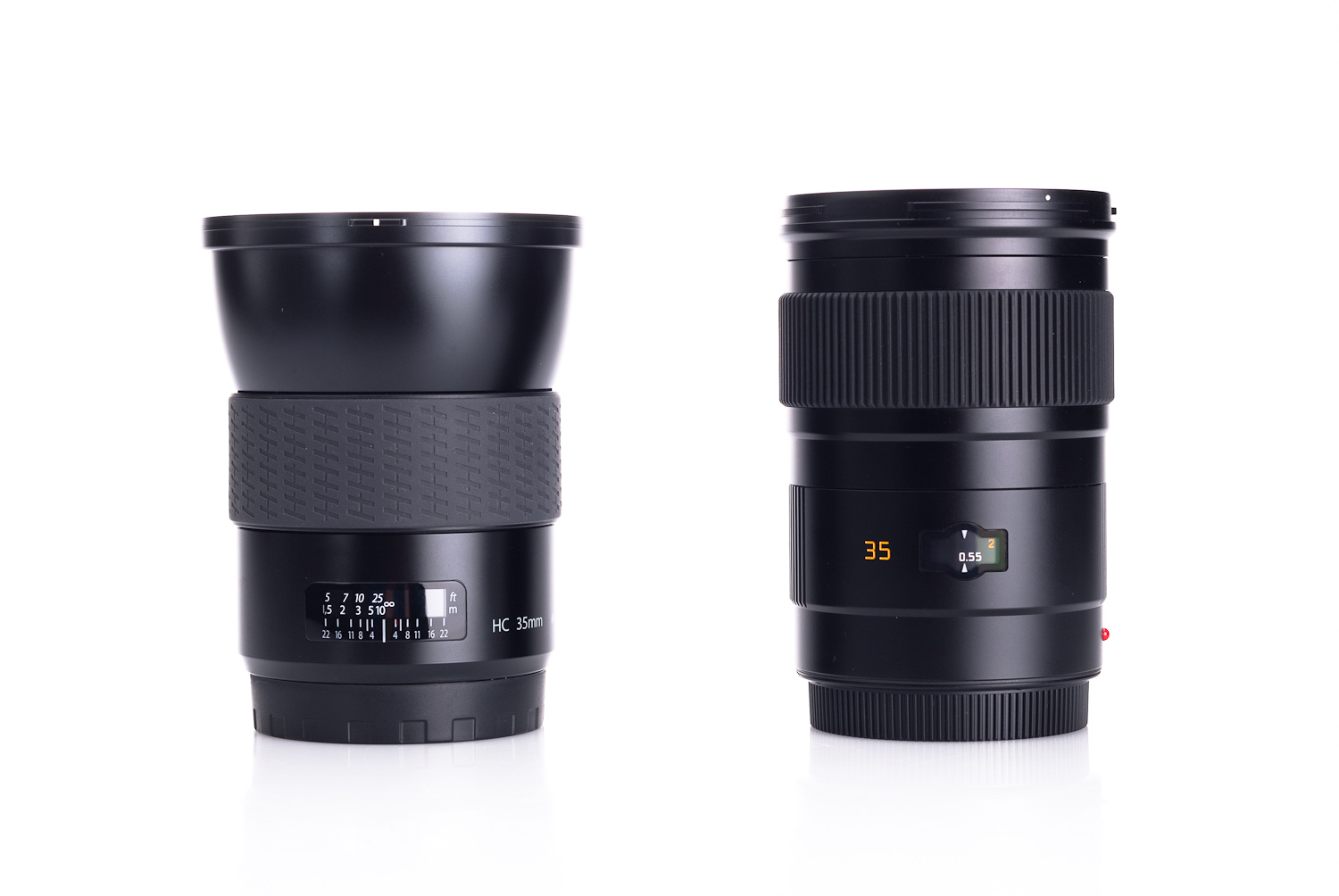
The design for the new lens is based off of the stellar 19mm Elmarit-R, but the 35mm Summarit-S adds an aspheric element in the front group to reduce aberrations and improve performance. It's also worth noting that the Leica 35mm Summarit-S is the fastest wide angle lens ever made for medium format, sporting an f/2.5 maximum aperture. Physically longer than the standard 70mm Summarit-S by about an inch (29mm), the 35mm Summarit-S is slightly heavier, weighing in at 2 lbs (930g) vs. the 70mm at 1.6 lbs (740g). Compared to the Hasselblad HC 35mm f/3.5, the Leica lens is both smaller and lighter even though the Leica offers a full stop faster aperture. I found that it balances in the hand almost perfectly, with the focus ring falling between my thumb and forefinger.


The 35mm balances nicely in the hand with the focusing ring in just the right spot


Leica 35mm f/2.5 next to Hasselblad HC 35 f/3.5


Leica 35mm f/2.5 next to Hasselblad HC 35 f/3.5

While getting any depth-of-field has been a challenge for me with the S2 and the 70mm, the 35mm definitely delivers broad depth of field and is perfectly suited to landscape photography (as I had hoped it would be). This may seem rather obvious as the new lens is a wide-angle, but the point is that with diffraction setting in at around f/13 on the S2's CCD (this is a function of the physics of pixel pitch), I really don't want to stop down too far to gain depth of field at the expense of fine detail sharpness.


Leica S2 with 35mm, 1/500th at f/6.8, ISO 160
100% Crop


Leica S2 with 35mm, 8sec at f/8, ISO 160, tripod


Hand-held shooting is very easy on the 35mm due to the wider angle of view (equivalent to a 28mm). I was able to get reasonably sharp pictures at 1/30th of a second with a little mindfulness and thanks to the S2's well damped mirror and shutter, but I'd recommend 1/60th or 1/90th as a realistic everyday minimum for sharp results. Going to 1/125th or 1/180th guaranteed critically-sharp images.


Leica S2 with 35mm, 1/180th at f/3.4, ISO 160
100% Crop


Leica S2 with 35mm, 1/125th at f/4.8, ISO 160


This lens is quite crisp wide-open at f/2.5. It even produces some decent bokeh as well. This is not a "typical" medium format wide-angle offering that must be stopped down to f/11 and beyond just to get some corner-to-corner sharpness. Looking at the MTF charts for the lens shows that in the center of the frame, it is already resolving 40 lp/mm at 75% contrast wide-open (and a really impressive 90% contrast for 20l p/mm). The corners are not perfect wide-open, dropping to about 30% contrast. In reality, this should only be visible at the very corners as it represents only the last 10% of image height on the MTF graph. By f/5.6 performance is really astonishing and only the very extreme corners have a small drop in contrast (50%). When I look at the images I shot with the lens, real life results echo the published specs and bring home just how exceptional the 35 really is.


Testing the lens wide open with off-center focus-and-recompose
Leica S2 with 35mm, 1/2000th at f/2.5, ISO 160
100% Crop


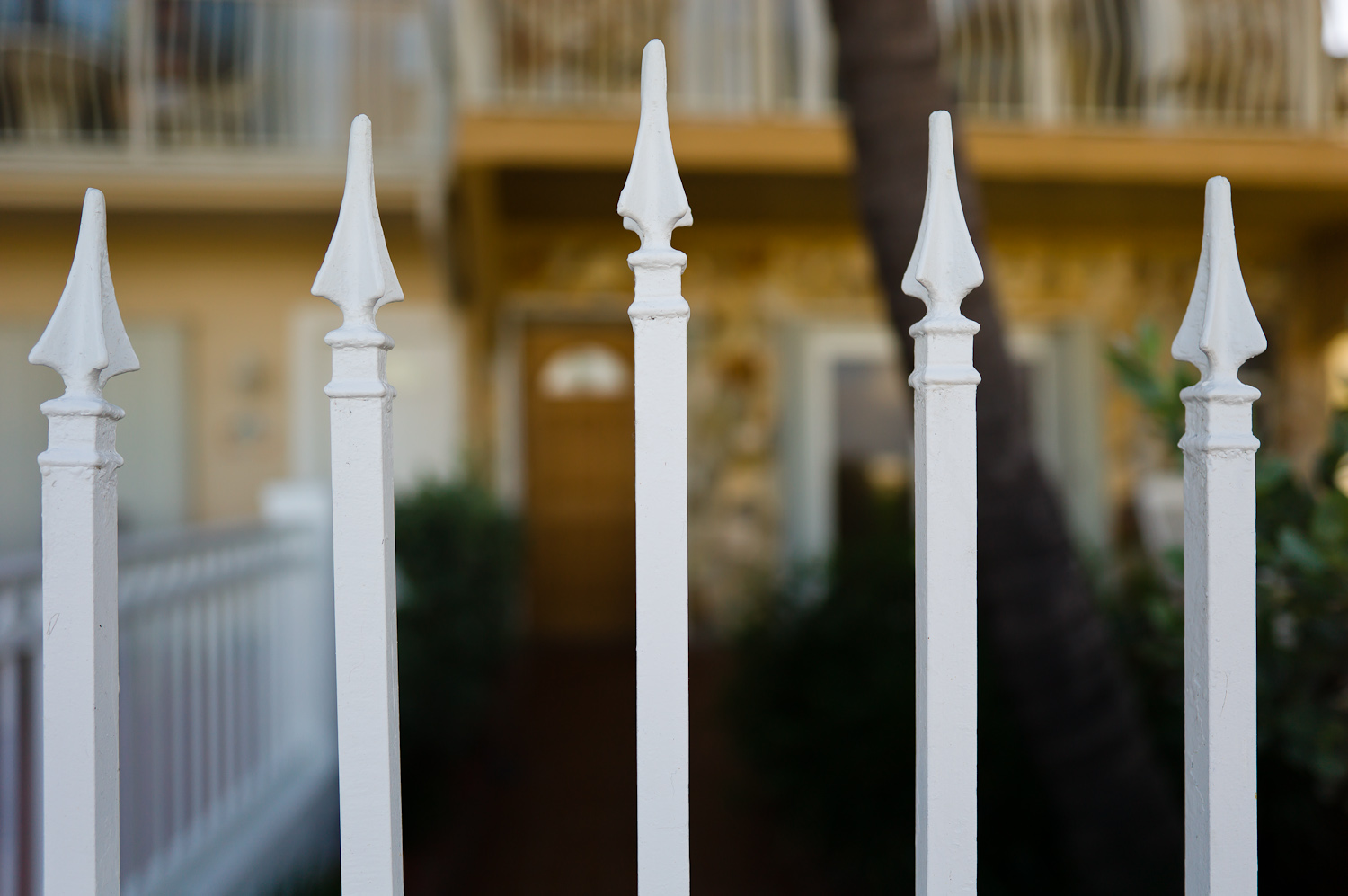
Testing wide-open at close focus
Leica S2 with 35mm, 1/1000th at f/2.5, ISO 320
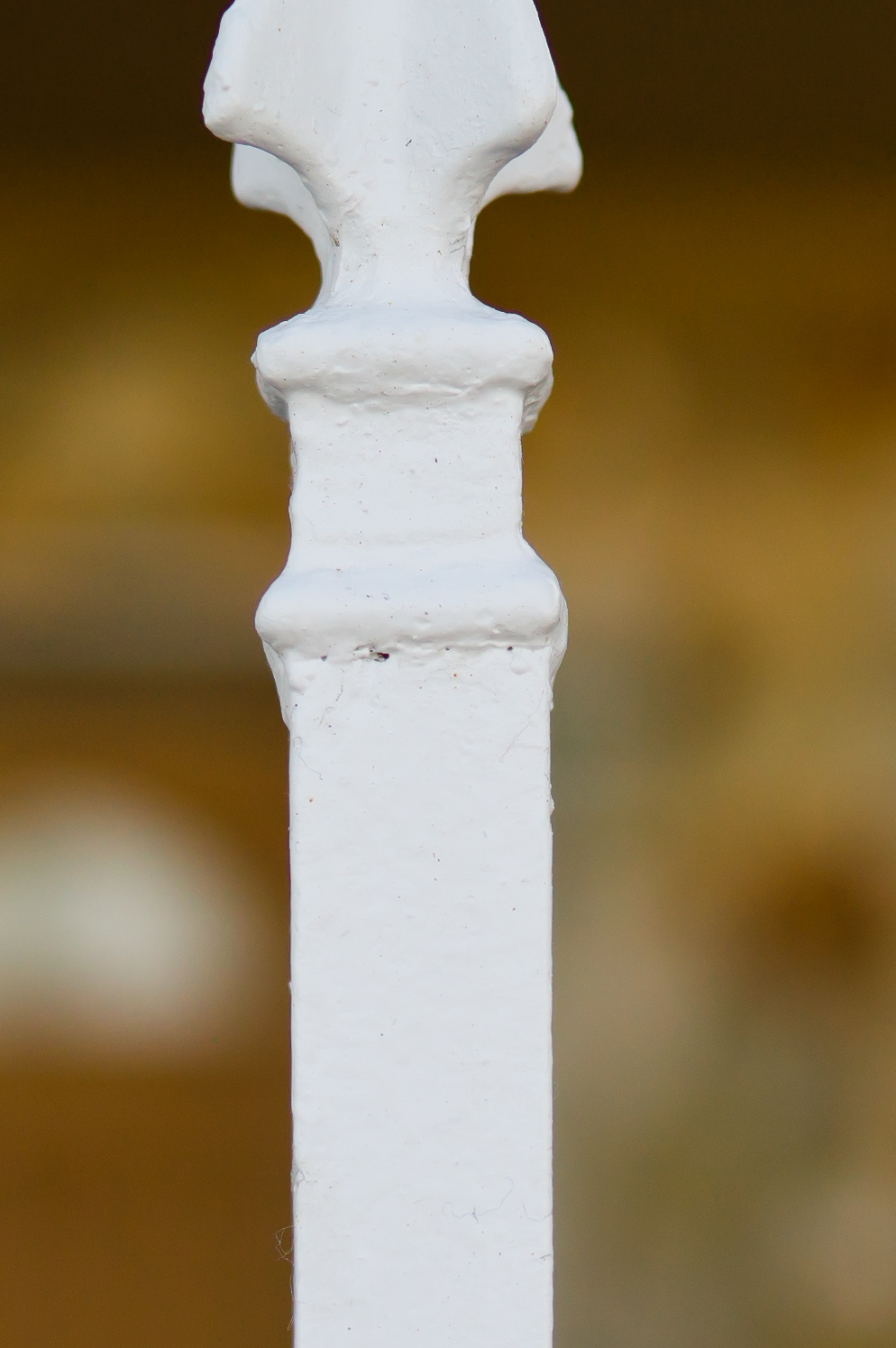
100% Crop - Notice the small hair in the paint


Leica S2 with 35mm, 1/250th at f/5.6, ISO 160
100% Crop from center   100% Crop from lower left corner


I ended up manually setting focus for my landscape shots on a tripod and would probably recommend similar technique. Why? Due to the larger DOF when stopping down, it is better to set the focus slightly forward of infinity to yield the sharpest details over the frame. I would really welcome either a DOF readout on the rear LCD or top OLED, or even better, a custom function that would preset the lens to hyperfocal distance given a set aperture. That would be really sweet. My method essentially turned the S2 into a point and shoot. I set my focus to between 5m and ∞ and without any refocusing I was able to shoot at f/11 and get most everything sharp front to back and corner to corner.


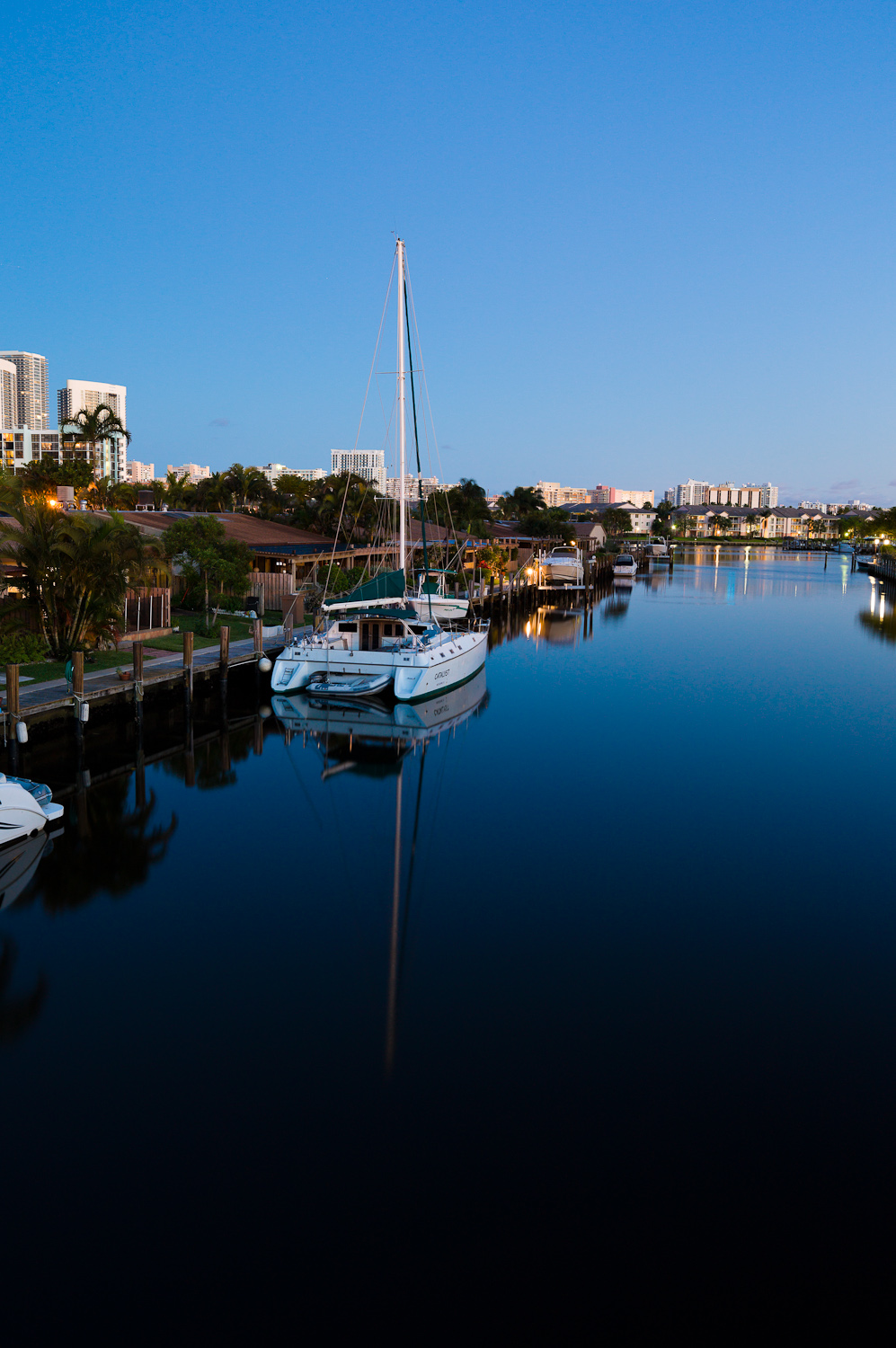
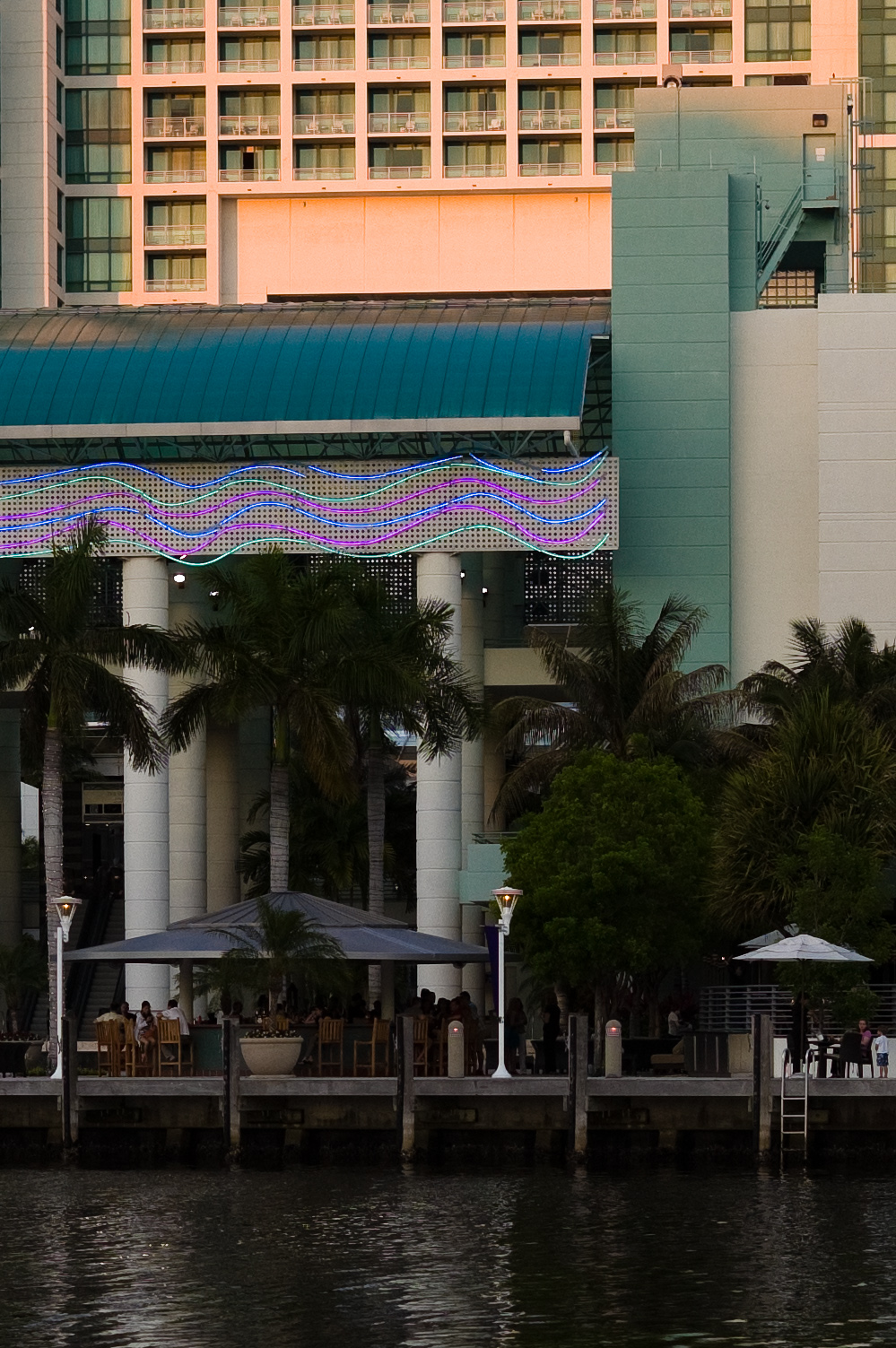
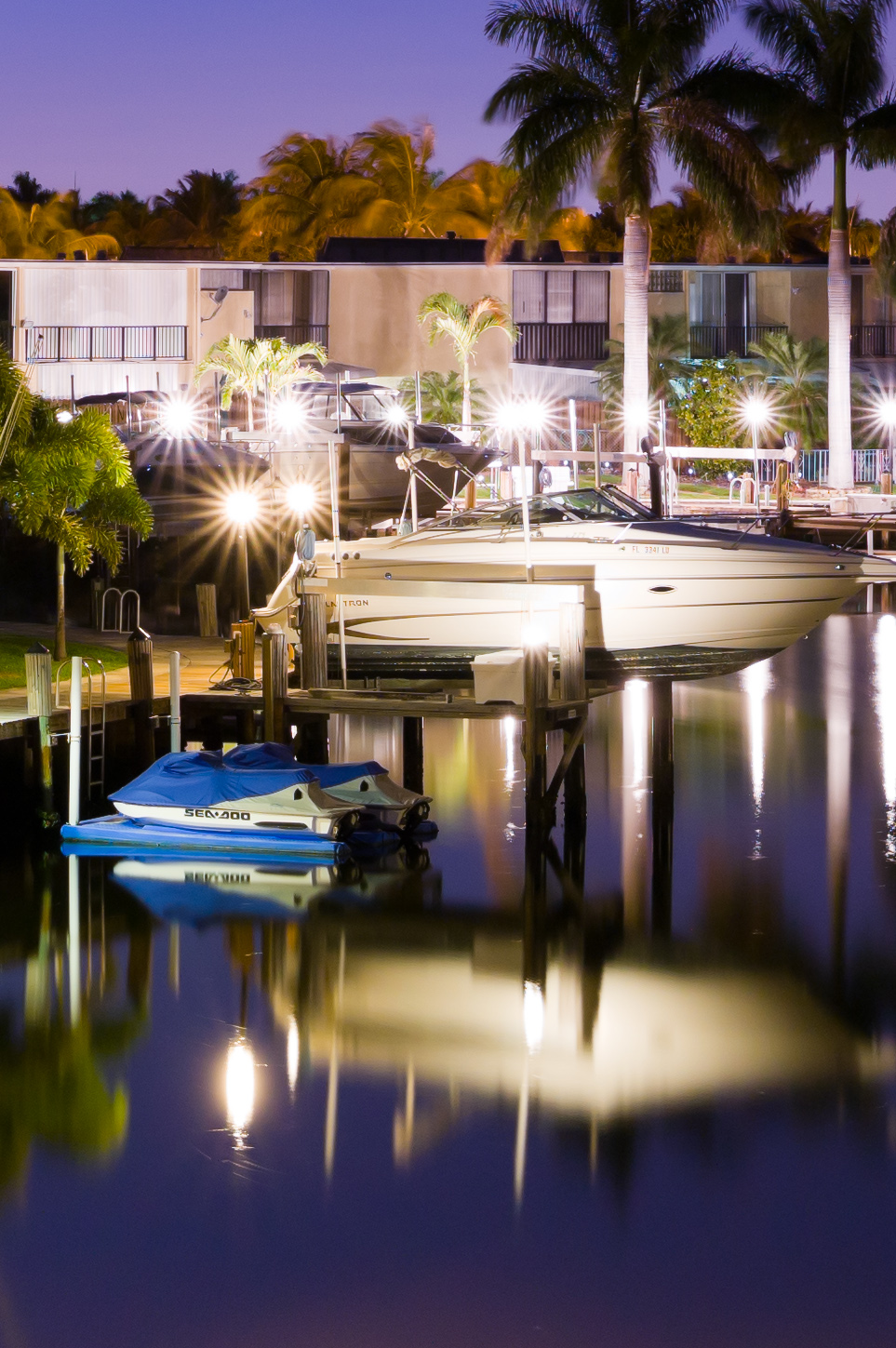
After sunset
Leica S2 with 35mm, 32sec at f/8, ISO 160, tripod
100% Crop


Leica S2 with 35mm, 32sec at f/13, ISO 160, tripod


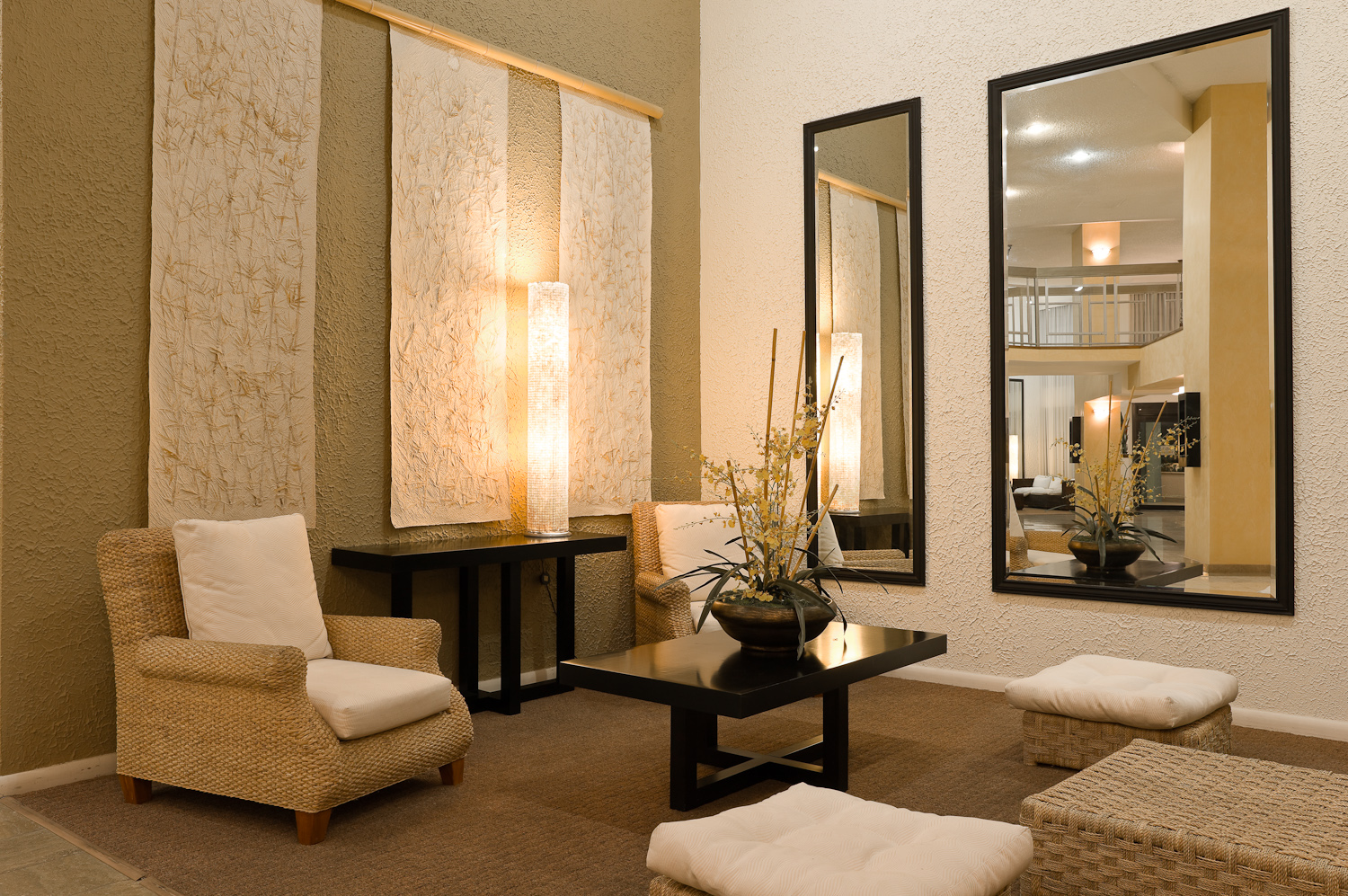
Distortion is almost non-existent. I was able to put horizon lines at the edges of my frames and have flat horizontals . Tall buildings remained straight rather than curved. Considering the angle of view, this is impressive. Of course, the lack of distortion comes courtesy of cutting-edge optical design, not post-processing lens corrections. At infinity the 35mm has just -1.2% distortion and -1.8% at close-focus of 0.55m. In practical use, with a properly leveled camera, the visible distortion is marginal and the lens should be well-suited to architecture and interior photography.


Leica S2 with 35mm,
8sec at f/11, ISO 160, tripod
100% Crop from lower left   100% Crop from lower right corner


This shot demonstrates a straight horizontal line towards the edge of the frame, but shows the effects of keystoning due to the lens being pointed up at an extreme angle.
Leica S2 with 35mm, 1/250th at f/8, ISO 160


Same shot with perspective correction applied in LR3 (vertical adjustment of -38)


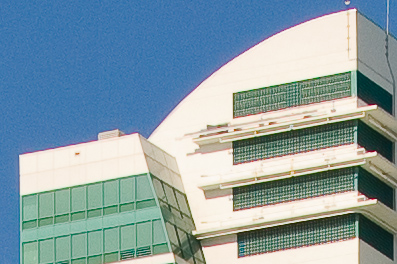
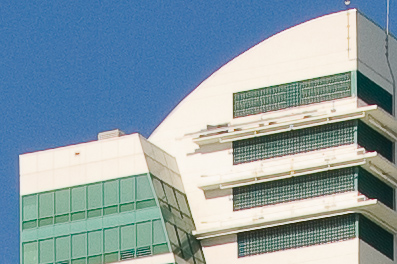
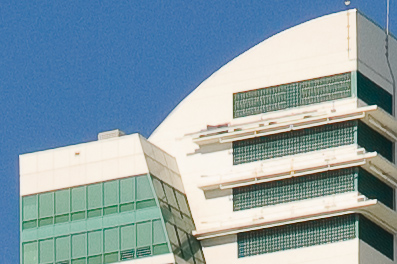
If I had any nit to pick regarding image quality it is that on very high contrast subjects (sunlit white building against deep blue sky, for instance), there is a trace of what appears to be magenta-red fringing. My first impression was that what I was seeing was lateral chromatic aberration, but there was no corresponding cyan-green edge on the opposite side. The effect appears most readily against blue skies (lots of UV, which can exacerbate fringing) and is most likely a result of either a small amount of sensor blooming or imprecision in LR’s demosaicing algorithm. Either way, the fringe is quickly fixed with a -15 red/cyan correction in Lightroom’s Lens Correction palette, along with Leica’s recommended setting of Defringe to “All Edges.” I’d expect the forthcoming profiles from Adobe and Leica to include this correction automatically as a lens profile.

Leica S2 with 35mm, 1/180th at f/11, ISO 160
100% Crop


These three 100% Crops were taken from the above file. This first one has Defringe turned off in LR3.


This next one shows the effect with Defringe set to "All Edges." There is a decent improvement, but the effect is still present.


The last image here shows the effect with Defringe set to "All Edges" and the Red/Cyan control in Chromatic Aberration set to -17. The red edge is completely gone.


I believe that this latest offering for the S2 shows the real potential of the S system. After the 120 Macro is released, Leica has already indicated that the next lens to come from Solms will be a 24mm f/3.5 (19mm equiv). If the same level of quality of design is achieved, that new lens could be just as physics-bending as this one and really set a one-two punch precedent for non-view camera wide angle lenses for medium format digital. Wide angle lenses have been a traditional weakness for other medium format manufacturers and Leica is smart to focus on bringing innovation in this area early on. If the Leica 35 was an f/3.5 or f/4 lens that turned in better performance than the competition it would be one thing, but this lens is fully weather sealed, a full stop faster than its peers, and offers sharper results with no digital lens corrections and without the need to be stopped down past the point of diffraction to get a sharp image. I have a feeling that with each subsequent S lens introduction, we will be seeing a similar trend, with Leica setting the bar higher and higher.


Leica S2 with 35mm, 1/350th at f/4, ISO 160


Leica S2 with 35mm, 1/750th at f/5.6, ISO 160
100% Crop

Bottom line: the Summarit-S 35mm f/2.5 ASPH delivers the goods. Now if Leica can just make enough to fill the demand…

Tech note: I processed all of the images posted here using the latest release of Adobe Lightroom 3 and exported to sRGB JPGs for web display. As I'm making the transition to LR 3 from LR 2.7, I'm finding that the new rendering (2010 version) is superior in most cases, but that for some images the old rendering (2003 version) is actually more detailed and less prone to moiré. I'll continue to experiment with more images and optimize LR 3 processing.

Labels: , , , ,

Thursday, May 27, 2010

The Leica S2 meets Hasselblad V lenses


More to come....


Labels: , , ,

Thursday, April 22, 2010

Details on S2 Firmware Update 1.0.0.16


Today, Leica released a new firmware update for the S2, which addresses a wide variety of issues and adds additional functionality. I would have like to have this firmware a week ago, when I was at the LHSA Spring Shoot in Savannah (look for an update in the next few days), but I'm glad to see it now. A lot of these updates were the direct response to user and tester feedback since the camera started shipping in January of this year.

I personally gave feedback on several of these issues when I first tested the S2 back in August, then again in November of last year.

Here is a rundown of all the changes in the new firmware (my comments are in italics):

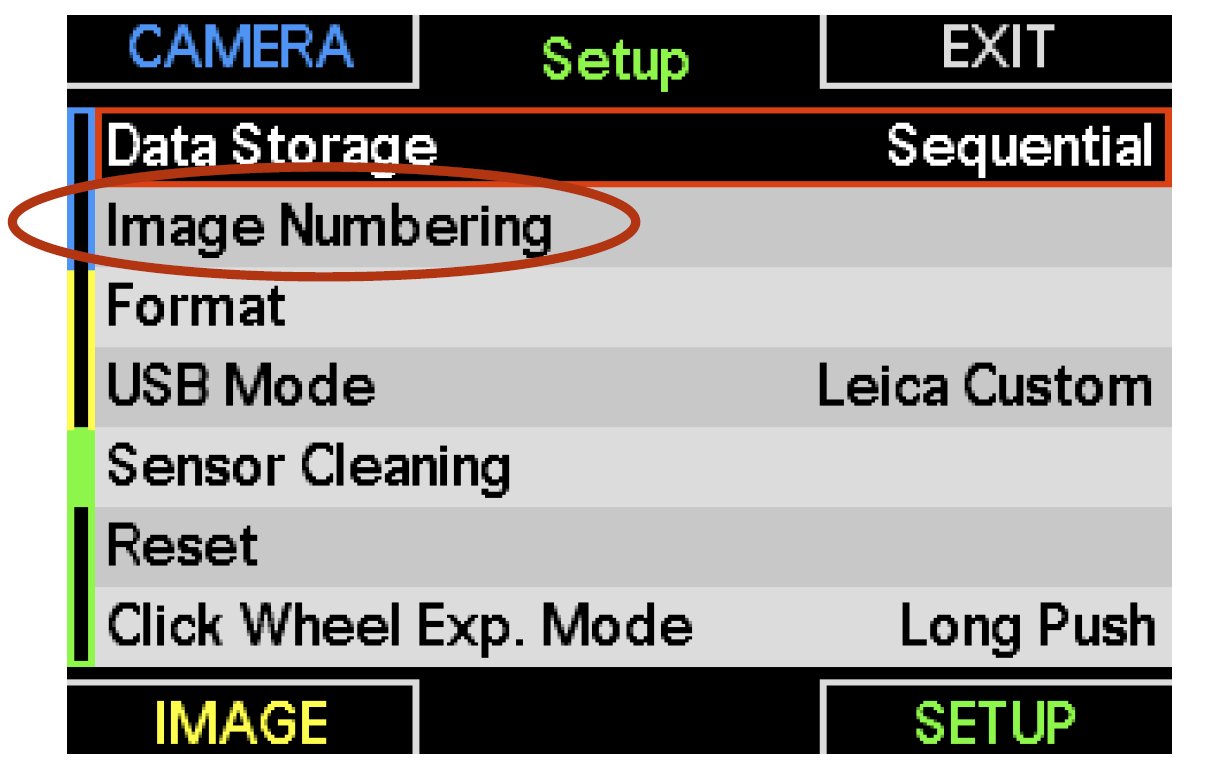
1. Consistent, continuous image numbering

The camera automatically numbers new images sequentially. The numbering sequence is continued when a new or formatted memory card is inserted into the camera (following on from the highest previous image number). If the memory card already contains an image with a higher number, the numbering continues from this number on. If the current folder on the card contains the image number “9999,” a new folder is created and numbering begins again from “0001”. On reaching folder number“999” with an image number of “9999,” a warning is displayed on the monitor and numbering must be reset.

This is a biggie. Although Lighroom automatically renames files, it is a pain to have the entire numbering sequence reset with each new CF card. So, I'm really glad to see this.


RESET resets the numbering memory and the sequence begins again with “0001.”


2. Correction of an error when using memory cards not formatted in the camera

Memory cards formatted with a computer or other devices must be reformatted in the camera before they can be used. If this is not the case, a new folder will be created.

I recall discovering this issue back in November, when a customer of mine was trying the S2 side-by-side with his Phase One. We switched the CF card back and forth and quickly found out that the images were inadvertently getting deleted. So, while not a common problem, nice to know it's fixed for those short on cards and big on different camera systems.

3. Improvement of data transfer speed for computer-tethered photography

The speed of the saving and transfer procedure for tethered photography has been increased.

Of course, this is a biggie. I need to run some tests to see how much improvement is offered or how this speed increase has been achieved. I'll post an update if I find out more.


4. Simplified image review operation


A short press of button 1.20 (upper right-hand button next to monitor) calls up normal review mode. You can begin to scroll through the images with the click wheel as soon as an image is displayed on the monitor. Press the click wheel to enter the zoom mode (enlarged image segment).

This was a one of my big requests, and I'm sure others wanted to see this change as well. Previously, playback defaulted to zoom mode. The new way (same as the rest of the world) makes a lot more sense.

5. Improved image review quality

The image review quality in the monitor has been improved

Hmm.... the image review quality was never lacking before. I'll try to quantify the improvement here, but better is better, right?

6. Increased functional reliability when changing exposure modes

The exposure modes (program, shutter priority, aperture priority, and manual modes) can be selected by a combination of rotating the shutter speed dial and pressing the click wheel (please refer to the camera instructions, pages 38–39). The operational mode of the click wheel can be adjusted in the camera menu to prevent accidental changing of the exposure mode.

The following settings are available:

_ Change exposure mode with a short press of the click wheel

_ Change exposure mode with a long press of the click wheel

Another big request for myself and other testers. So happy to see this. Previously, an accidental tap on the click wheel would take you out of M mode into T mode and really mess things up. Having the option of a long press makes inadvertent mode changes highly unlikely.


7. Correction of an error when using LEICA Image Shuttle software


Exposure settings (shutter speed or aperture), set in LEICA Image Shuttle software are no longer reset by pressing the shutter release button. If the shutter speed has been set in LEICA Image Shuttle, or is different from the speed on the shutter dial, it is displayed in blue on the top panel display. As soon as the shutter speed, aperture, or other settings are altered with the camera control elements, these new settings have priority!

Again, good to see Leica prioritizing tethered operation.


8. Optimization of JPEG image quality


Internal JPEG image processing has been optimized with regard to detail, sharpness, and noise characteristics.

I have never used the JPEG output of the S2 and probably never will, but I'm sure some will appreciate the higher-quality files.


9. Additional functions
The camera now has the following additional functions:

9.1 Additional white balance preset HMI (Hydrargym Medium Arc Length Iodide)

The additional white balance preset, HMI, has been added.

Not one of my requests (I prefer short duration strobes), but I can see how fashion pros can appreciate this, especially with more convergence between stills and video.


9.2 Additional viewfinder information: exposure compensation

Exposure compensation values are now indicated in the viewfinder’s light balance.


Whoo hoo! So happy to see this one. While there was always the little +/- triangle in the viewfinder to warn you that Exp comp was set, there was no display of how much was applied.


Example: Exposure compensation +1.5 EV


9.3 Custom settings for depth of field preview button


For particularly fast handling, the functions of the buttons 1.21, 1.23, 1.24 (the buttons surrounding the rear LCD), and 1.3 can be customized to provide immediate access to your most important or frequently needed menu functions. To do so, the buttons are first customized by defining which of the menus’ functional groups should be called up with the quick access function. From now on, the function of the depth of field preview button 1.3 can also be customized as desired.

Nice thinking on this one. When shooting with the S2, I rarely use the DOF button, but I do wish I had another programmable one.


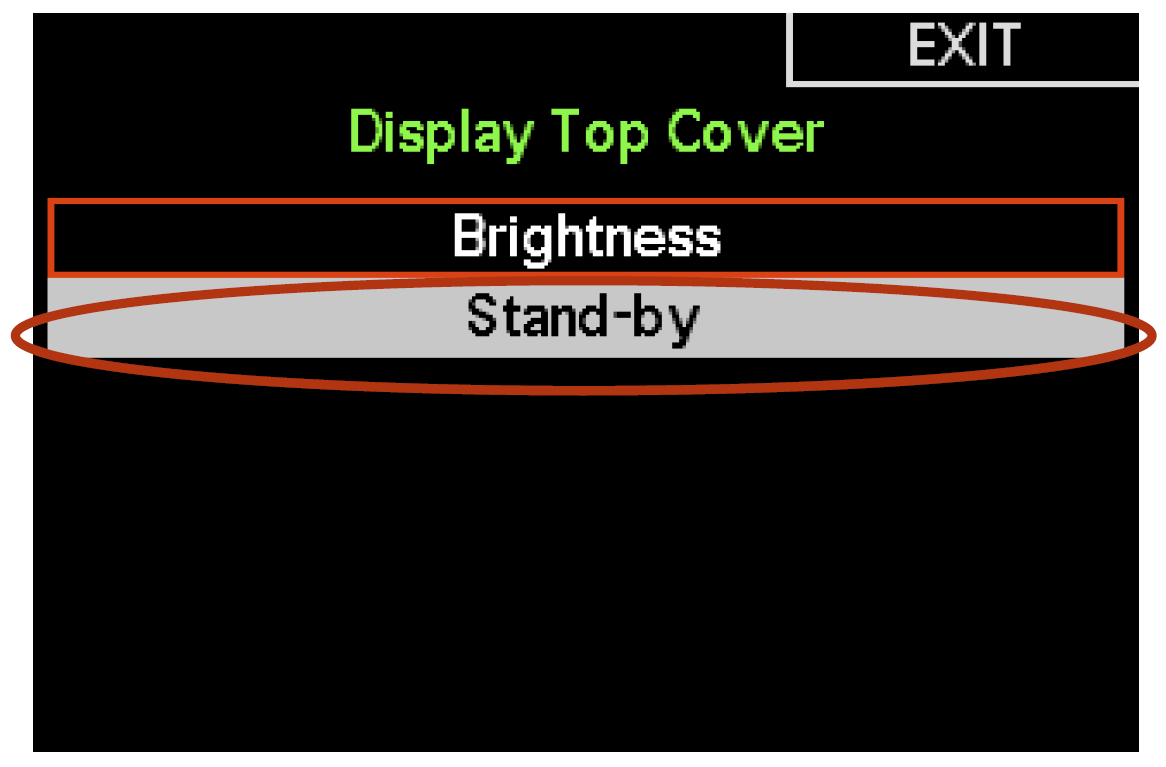
9.4 Selectable top panel standby time


The standby time of the top panel display can now be selected in the menu.


9.5 Control element lock

A new function has been implemented with which the control elements for exposure setting (shutter speed dial and click wheel) can be locked to prevent accidental changes. The control element lock can be activated and deactivated in the menu or defined as a quick access option (refer to 9.6).

Awesome. This goes even further than the long click option on the click wheel. When shooting quickly in studio, accidents happen. I had even said in my initial S2 review that I'd like to see a shutter/aperture lock like Nikon has. Well... here it is.


9.6 Extended custom functions

For particularly fast handling, the functions of the buttons 1.21, 1.23, 1.24, and 1.3 can be customized to provide immediate access to your most important or frequently needed menu functions.

To do so, the buttons are first customized by defining which of the menus’ functional groups should be called up with the quick access function. Immediate access is activated by a long press on the respective button.

The following functions have been added to the user-defined button programming options:

_ formatting (formatting memory cards)

_ control element lock


10. Improved lens performance

Lens performance has been improved further.

I'll try to get more details on this one, but I'd guess that this has to do with AF performance.

11. Automatic detection of interchangeable focusing screen types

Interchangeable focusing screen types (e.g. ground glass with grid) are detected automatically. More information about “interchangeable focusing screens” can be found on page 19 of the camera instructions.

Cool. I'm looking forward to the grid screen myself.


All in all, this is a nice list of improvements and enhancements. I'm glad to see Leica taking user suggestions seriously and implementing changes quickly. This is one benefit of bringing all firmware development in-house.

Now, I'm back to work on my posting about how the S2 did in Savannah... stay tuned.

Labels: , , ,

Wednesday, November 25, 2009

Square-pegging: Shooting action with a Leica S2

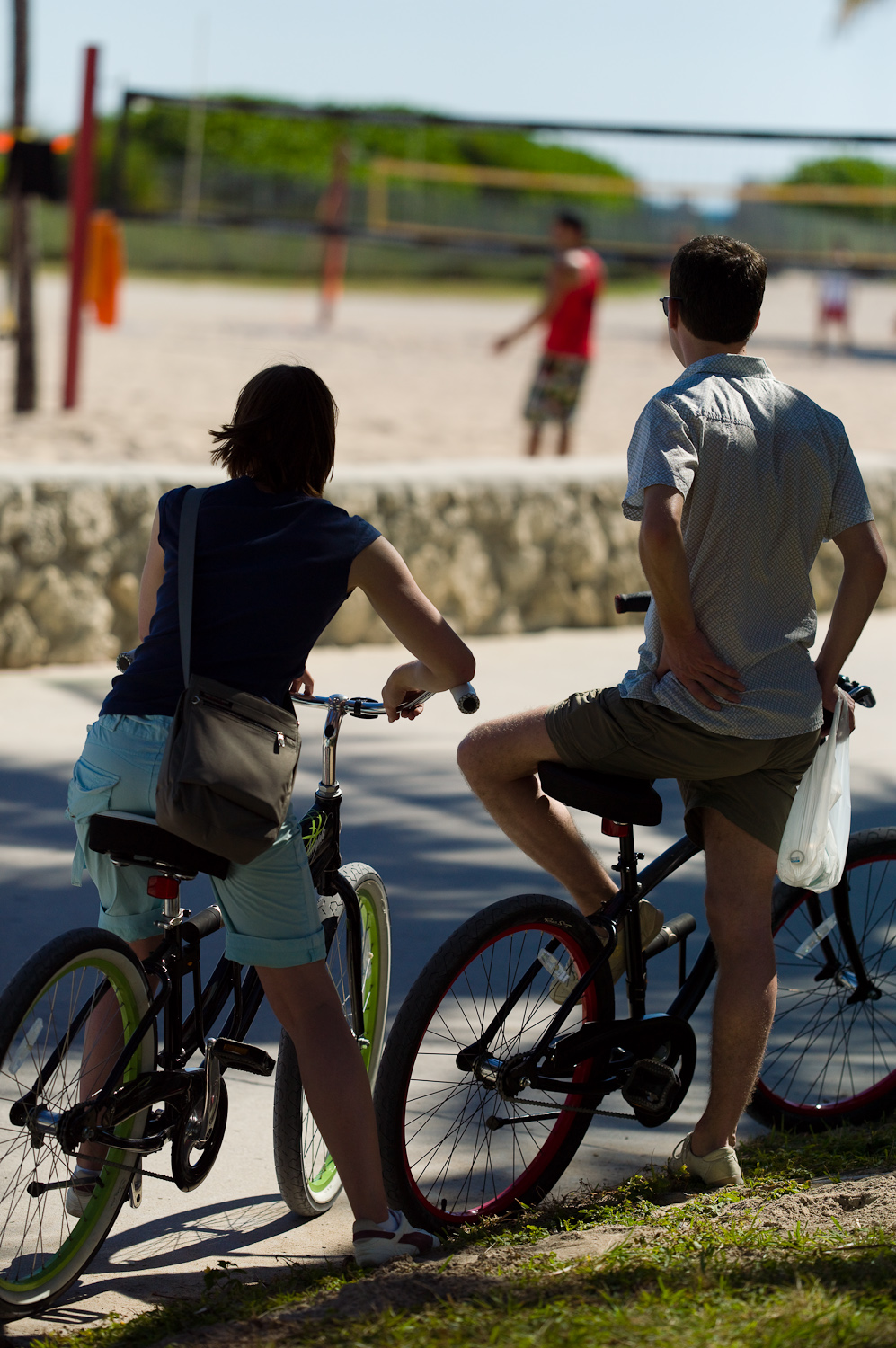
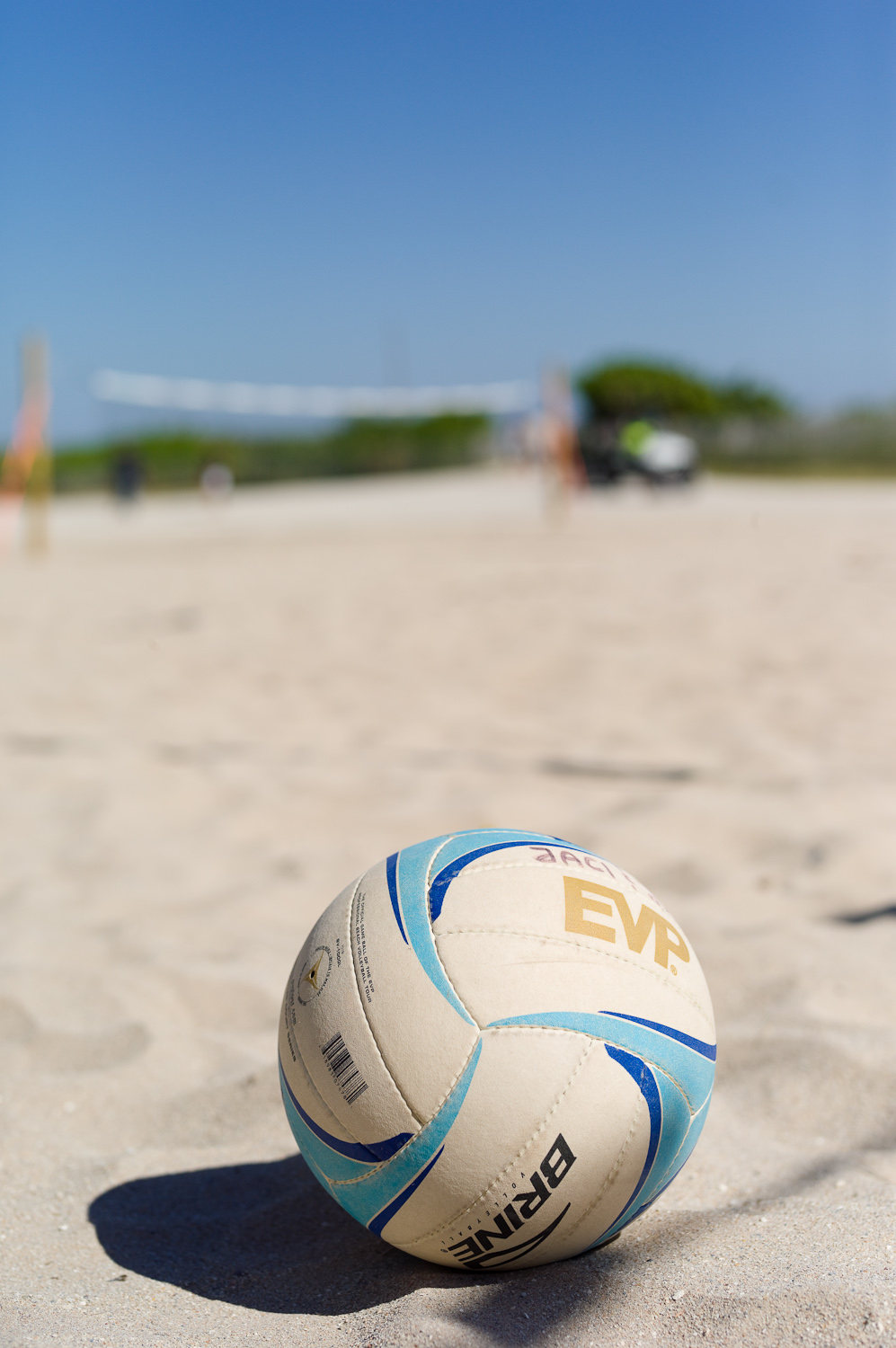
Leica sent us a final production S2 for our studio event and demo day this past weekend. So, I took the opportunity to head down to South Beach for some hometown shooting. I'm not quite sure why, but I decided to put the S2 into a shooting situation it just wasn't designed for - beach volleyball. The sand wasn't my concern as the camera and lenses are completely sealed. What I was worried about was how well the S2 could keep up with quick-moving action.

Leica S2 with 180mm, ISO 320, 1/1000th at f/8


Leica S2 with 70mm, ISO 320, 1/3000th at f/3.4


100% crop


Please keep in mind that I am not a sports shooter. This was just a test of how well the S2 could handle a subject suited more for a 35mm DSLR than a medium format system. Essentially, I was trying to put a square peg into a round hole and wasn't really expecting too much. What I ended up with wasn't too bad.

Leica S2 with 180mm, ISO 320, 1/4000th at f/4


The S2 has more shutter lag than a D3, which was obviously expected. When I first started shooting, I was waiting for the decisive moment. By the time I reacted, pressed the shutter release, and the camera fired, the ball was out of the frame. But once I got the timing down and shot when I saw the ball approaching a player, I was able to catch the ball in the frame. This would have been easier with a D3, but at least it was doable on the S2.


Leica S2 with 70mm, ISO 320, 1/3000th at f/3.4


Focus was the other big question mark. The S2 was able to nail focus accurately, but being a center-point-only focus system, I couldn't get good focus and good composition and catch the action. By the time the camera would lock on and I would recompose, the shot was long gone. So, I found the best success using manual focus. The large, bright focusing screen and perfect drag on the lenses make manual focus very workable.

Leica S2 with 180mm, ISO 320, 1/4000th at f/4


Leica S2 with 70mm, ISO 320, 1/3000th at f/3.4


Leica S2 with 70mm, ISO 320, 1/4000th at f/3.4


Another snag I ran into was one that I talked about in my S2 review. The rear thumb dial is too easily pushed in when not meaning to. So, while most of my shooting was done in T mode (shutter priority), I did inadvertently push the dial in, activating P (program) mode. I was shooting in T to get the highest possible shutter speed to stop the action, which is 1/4000th. In order to keep this high speed and get a little DOF, I opted for 320 ISO, which worked great. In broad daylight at 320 ISO there was no loss of DR or detail and no noise. So, I was able to pick up a little free speed there. Anyway, when the camera switched to P, it decided to balance my exposure a bit and chose 1/1000th at f/8, which would have been perfectly fine had I not been shooting action. What I found was that at 1/1000th (and even at 1/4000th in some cases) the subjects would show motion blur at 100% view. It is pretty slight, but there nonetheless. The lack of perfect sharpness could also be my human focus error.

Leica S2 with 70mm, ISO 320, 1/3000th at f/3.4
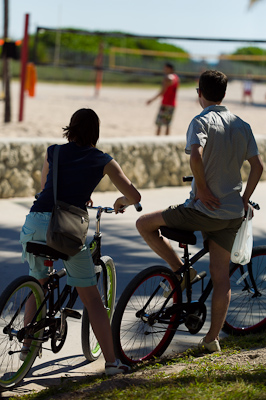

Leica S2 with 180mm, ISO 320, 1/4000th at f/3.5


What did impress me was how well the S2 files held up in such harsh lighting. The sun was backlighting many of the players, yet the S2 was able to capture detail in the shadows very well and the sand was well exposed without blowing out. I do attribute some of the fill-in effect to the reflective nature of the sand itself, but the camera did an admirable job with the high-contrast, difficult lighting. Skies even stayed blue without getting completely washed out.

Leica S2 with 180mm, ISO 320, 1/4000th at f/4


Leica S2 with 180mm, ISO 320, 1/4000th at f/4


Leica S2 with 180mm, ISO 320, 1/1000th at f/8


After shooting two matches over the course of about half an hour, I was pretty pleased with the results. I’ll probably never attempt this again, but it was fun to put the S2 (and myself) into a challenging situation. And, even though it was akin to hammering in a finishing nail with a sledge hammer, it actually worked. I’d still suggest a D3 or 1DmkIII for this kind of work. The S2 is resolution overkill for most live action sports and the AF, shutter lag, and frame rate just aren’t designed for sports.

Fashion shooting, both in studio and on location, are an entirely different matter, though. For more on that, check back for updates.
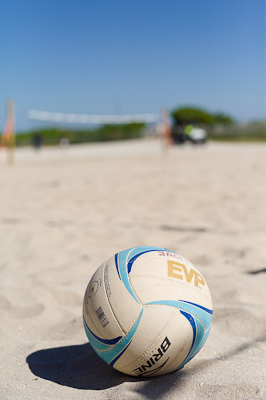
Leica S2 with 70mm, ISO 320, 1/3000th at f/4.8


100% Crop

Labels: , , ,